A clearer view of society finances

Accounting & Ledger

Review income, expenses, transactions, monthly maintenance, and corpus contributions. Keep payment requests and supporting financial records organized for authorized users.

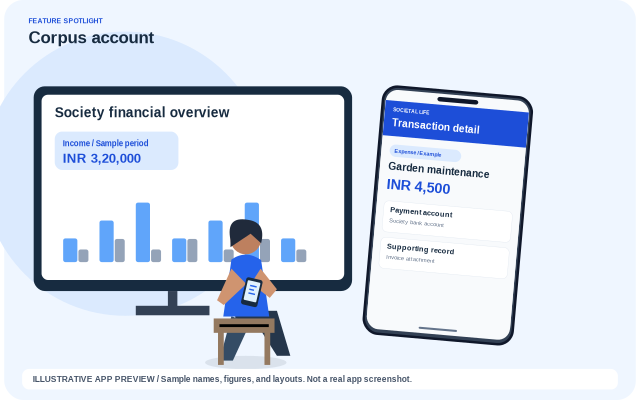
Accounting & Ledger: people using feature-specific app-screen mockups.
Illustrative app preview with sample data. Not an actual app screenshot.
Designed around community life

Understand the balance. Find the details.

Move from a financial overview to individual entries, unit-wise payment status, and fund contributions without losing the context of each record.

Accounting & Ledger: people using illustrative app-screen previews with sample data.
Illustrative app preview with sample data. Not an actual app screenshot.
A closer look

Accounting summary

View total income, total expenses, the current balance, and financial transactions for a selected period. Use a custom date range to review the activity that matters.

Detailed transaction records

Record income, expenses, receipts, payments, and other entries with an amount, date, payment account, payment mode, category, purpose, and supporting documents where applicable.

Search and filter the ledger

Locate entries by name, category, payment mode, transaction type, payment account, or date range. Review transaction details and associated residents, vendors, or employees where recorded.

Monthly maintenance tracking

Switch between months to review the total maintenance amount and paid or unpaid flats and villas. Open unit-wise payment details to check outstanding dues and payment history.
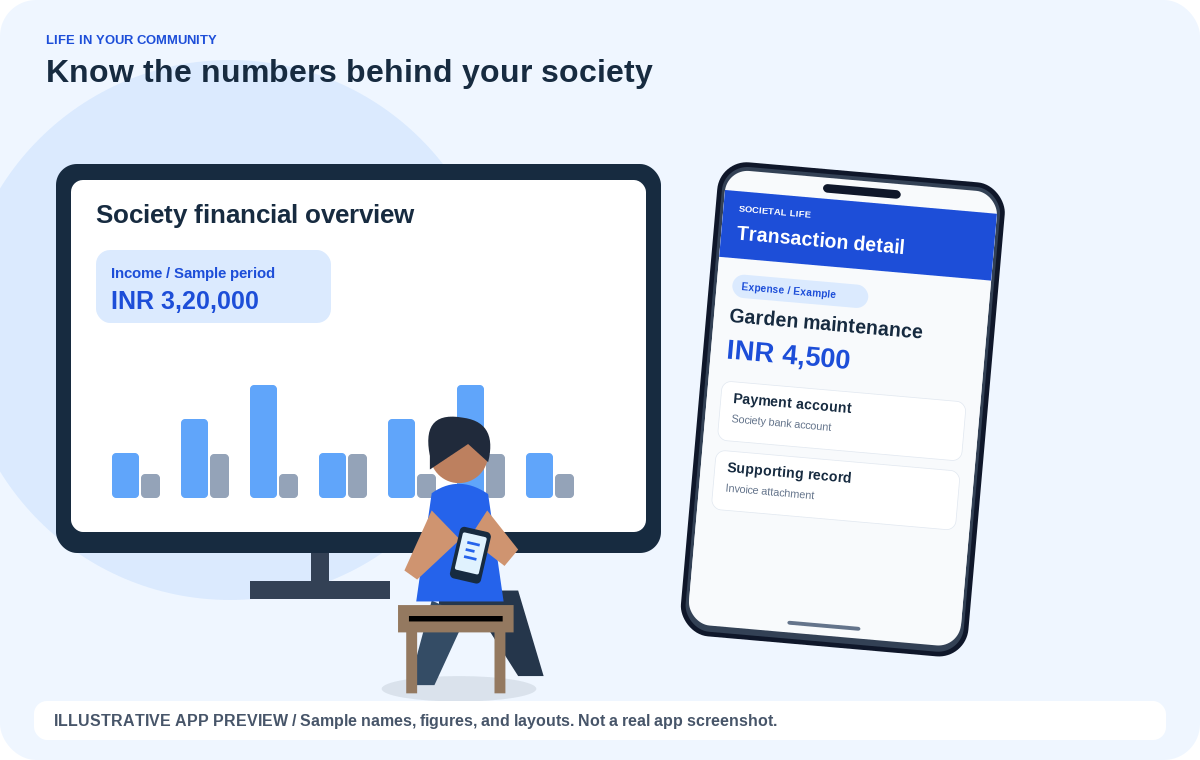
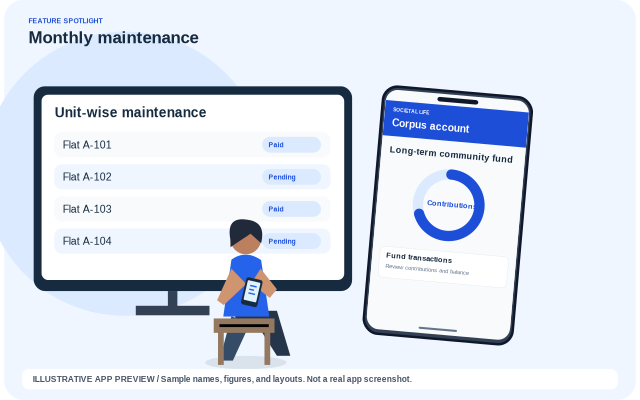
Accounting & Ledger: people using illustrative app-screen previews with sample data.
Illustrative app preview with sample data. Not an actual app screenshot.
A closer look

Corpus fund management

Define an opening balance and the contribution expected from each flat or villa. Optionally link a bank account, record contributions, and review the fund balance and transaction history.

Configurable payment requirements

Set the payable amount, minimum amount, due date, and optional late penalties. Target the relevant residents and link requests to community records where applicable.

Explore payment requirements →

Business and service contacts

Maintain a directory of businesses and vendors with contact-person details, phone numbers, email addresses, and other information. Search and update listings as needed.

Inventory records for daily operations

Maintain a product catalog, monitor stock and stock in use, and record stock-in and stock-out movements. Issued quantities are checked against available stock.

How it works in the app

  1. 01

    Review the period

    Select the month or date range and check the income, expense, maintenance, or corpus summary.

  2. 02

    Record the transaction

    Choose the payment account and mode, enter the amount and purpose, and attach supporting records where applicable.

  3. 03

    Check the detail

    Use filters and unit-wise views to review contributions, outstanding dues, and the transactions behind the totals.

The bigger picture

Connected tools. Clearer next steps.

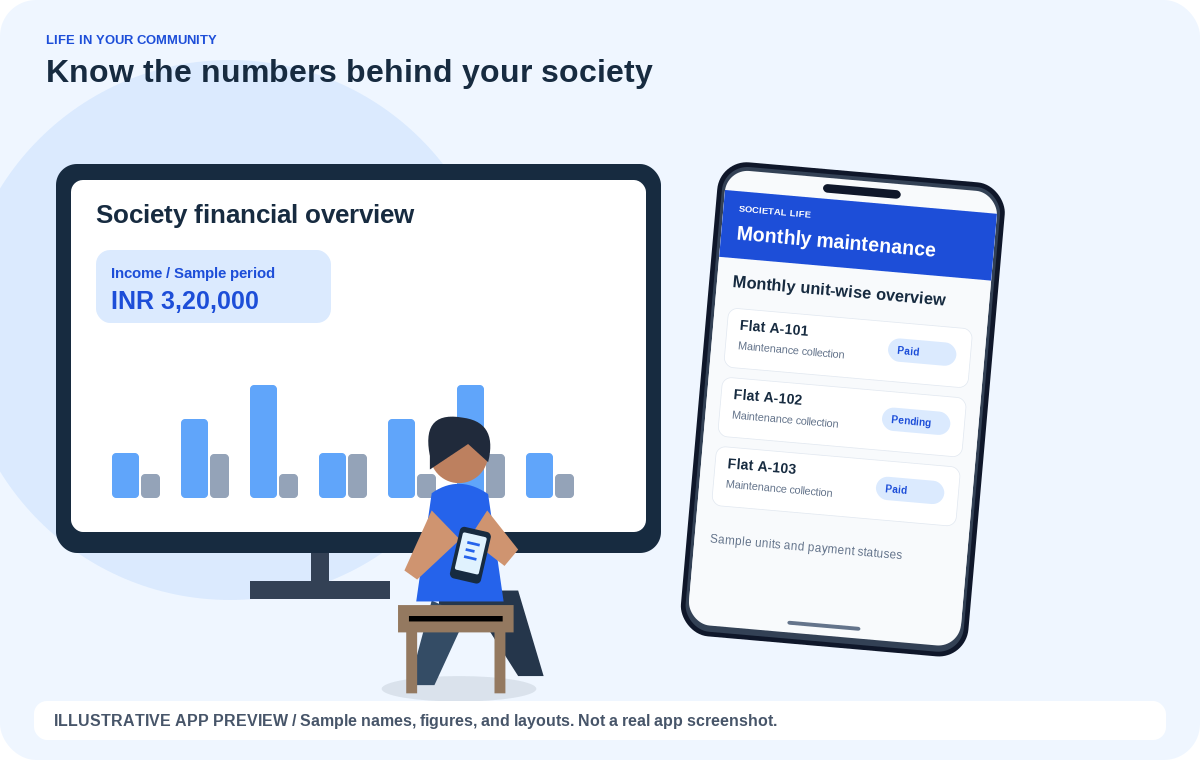
Monthly unit-wise maintenance: illustrative app screens with people using the app.
Monthly unit-wise maintenance. Illustrative preview, not an actual screenshot.
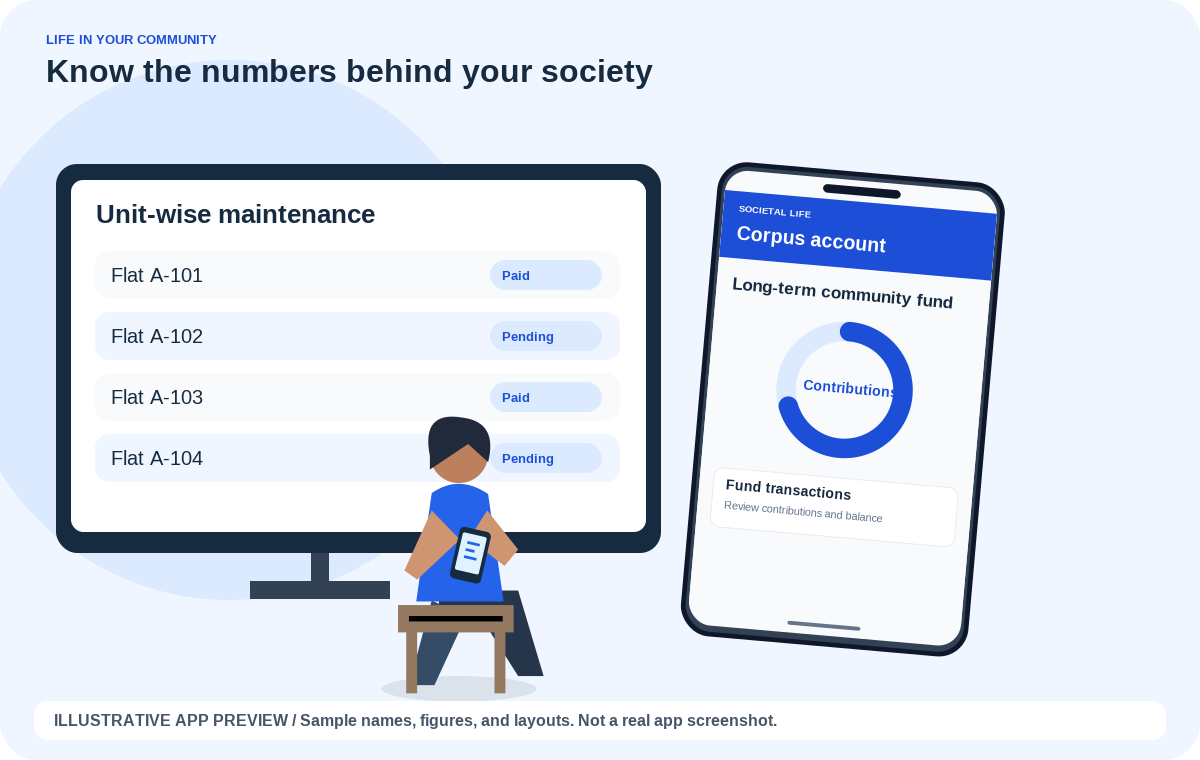
Corpus contributions: illustrative app screens with people using the app.
Corpus contributions. Illustrative preview, not an actual screenshot.

Access and availability

Viewing, creating, updating, exporting, or sharing accounting information depends on assigned permissions. Maintenance charges and payment rules follow the society's configuration.

See Accounting & Ledger in action

Explore the resident and management workflows with a community specialist. Available actions depend on your role and society settings.

Contact Us