Community offers with clear details

Society Ads & Local Services

Publish society advertisements with promotional images, descriptions, links, and a validity period. Use the app's separate business and service directories to find provider contact information.

Know what the offer is and when it applies

Keep advertisement content and scheduling clear, while maintaining useful business and service contacts in their own directory records.

Explore the possibilities

Promotional images

Add the required thumbnail and banner image when creating an advertisement so residents can recognize the offer.
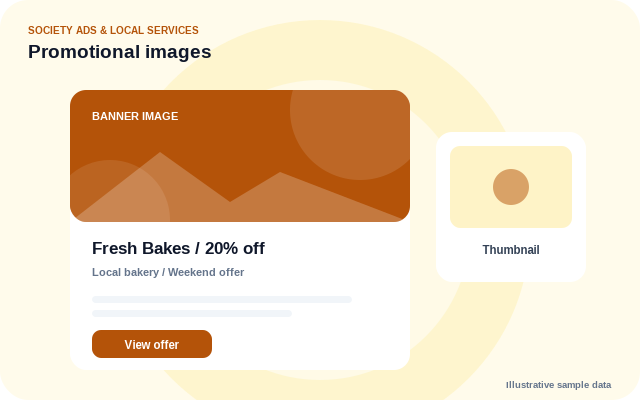

Promotional images diagram: illustrative promotional banner with sample data.
Illustrated workflow · Society advertisements · sample data, not an app screenshot
Explore the possibilities

Title, description, and supporting PDF

Enter a clear title and formatted description. Attach an optional PDF when the offer needs more detail.
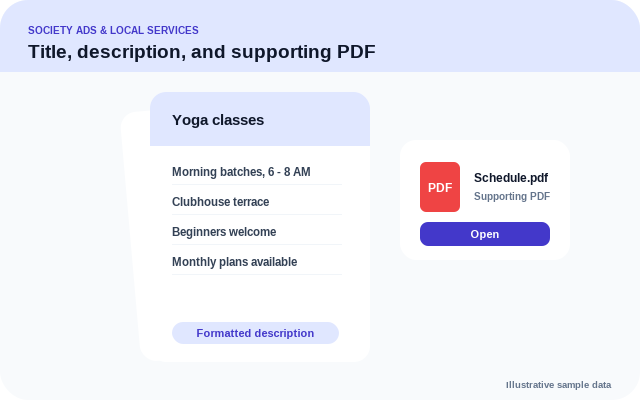
Title, description, and supporting PDF diagram: illustrative document preview with sample data.
Illustrated workflow · Society advertisements · sample data, not an app screenshot
Explore the possibilities

Optional external link

Include a website URL where appropriate. Residents can open the link from the advertisement detail screen.
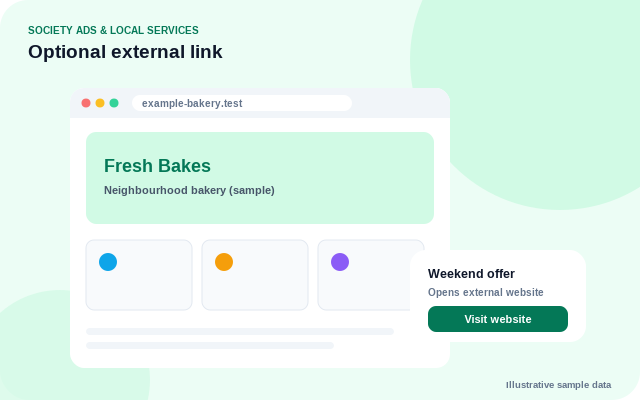
Optional external link diagram: illustrative external website preview with sample data.
Illustrated workflow · Society advertisements · sample data, not an app screenshot
Explore the possibilities

Defined validity period

Set the required start and end date and time. The detail screen shows when the advertisement becomes active and when it expires.
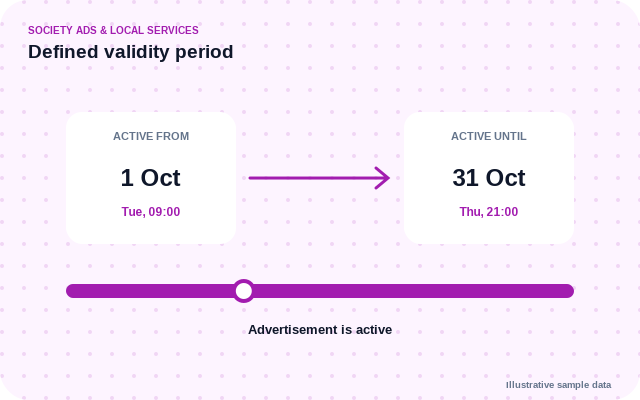
Defined validity period diagram: illustrative start and end date range with sample data.
Illustrated workflow · Society advertisements · sample data, not an app screenshot
Explore the possibilities

Business contacts

The business directory stores names, contact people, phone numbers, and email addresses. Authorized users can add and update listings and use search or filters to find a provider.
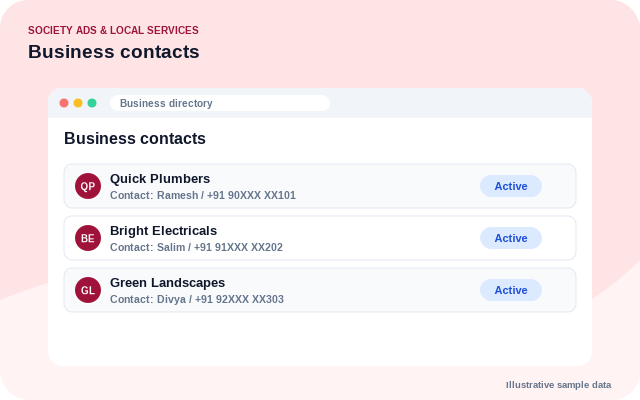
Business contacts diagram: illustrative record list with sample data.
Illustrated workflow · Society advertisements · sample data, not an app screenshot
Explore the possibilities

Browse service categories

Find providers by service category, such as plumbing or electrical work. Profiles may include services, pricing, address, a map, and reviews or ratings where available.
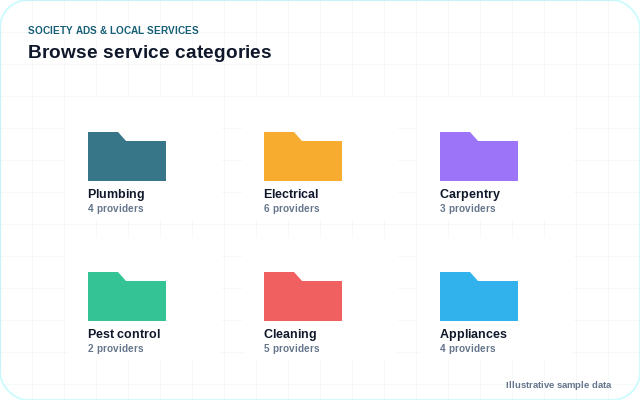
Browse service categories diagram: illustrative category folders with sample data.
Illustrated workflow · Society advertisements · sample data, not an app screenshot

How it works in the app

Explore the possibilities

Step 1: Prepare the offer

Add the thumbnail, banner, title, and description, with a PDF or external link if needed.
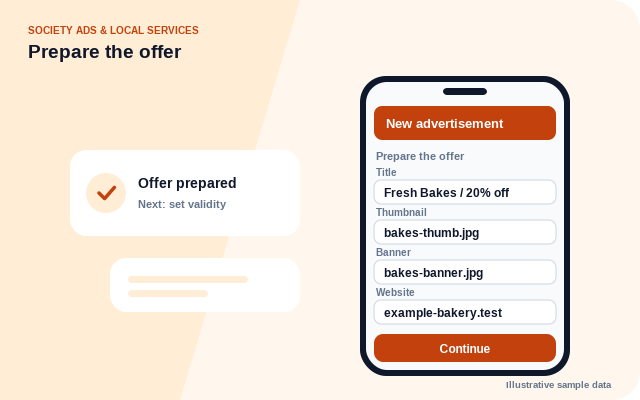
Step 1: Prepare the offer diagram: illustrative app form with sample data.
Illustrated workflow · Society advertisements · sample data, not an app screenshot
Explore the possibilities

Step 2: Set its schedule

Choose the start and end date and time, review the details, and continue through the app's publishing steps.
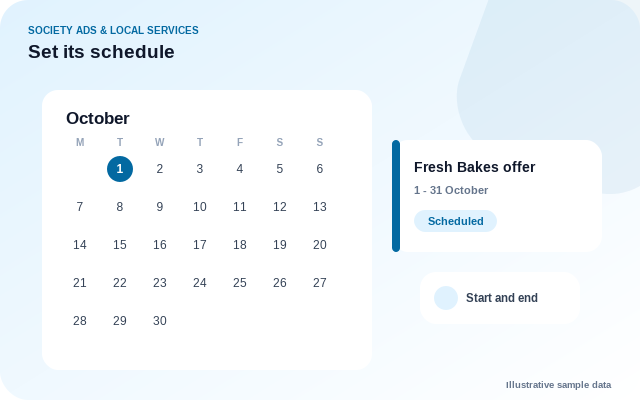
Step 2: Set its schedule diagram: illustrative calendar view with sample data.
Illustrated workflow · Society advertisements · sample data, not an app screenshot
Explore the possibilities

Step 3: Review or find a provider

Residents can open the ad details or use the business and service directories to locate provider information.
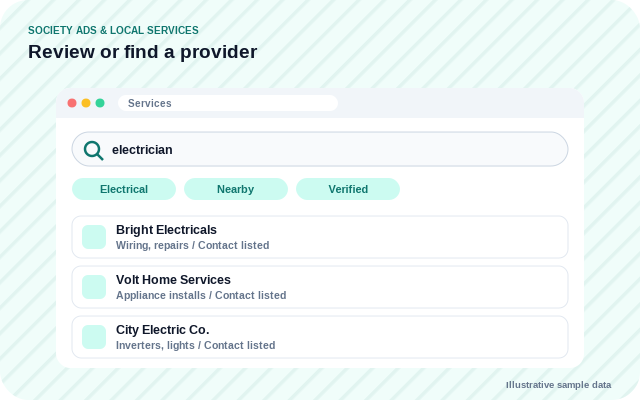
Step 3: Review or find a provider diagram: illustrative search and filter screen with sample data.
Illustrated workflow · Society advertisements · sample data, not an app screenshot

Access and availability

Advertisement management and directory updates follow the access available in the app. An advertisement or directory listing is not a guarantee of provider verification, service quality, or community endorsement.