Know your community. Respect personal privacy.

Resident Directory

Keep resident and household information organized for owners, tenants, and family members. Find community profiles and manage contact-sharing requests without assuming everyone's details are public.

A community directory with useful household context

Support resident connections while giving authorized administrators the records they need to manage community membership.

Explore the possibilities

Resident profiles

View profile information such as name, resident type, associated flat or villa, and Resident Since date. An About section can introduce interests or other information.
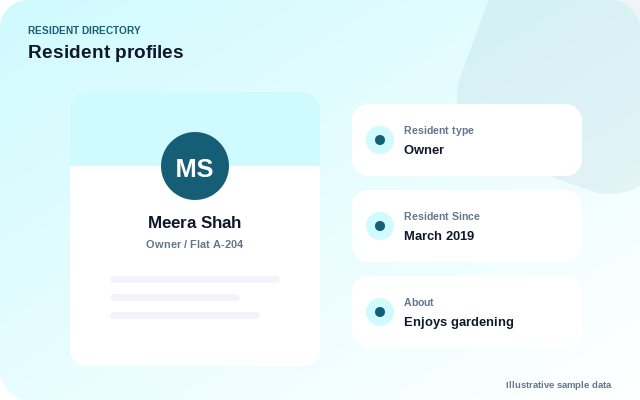
Resident profiles diagram: illustrative profile card with sample data.
Illustrated workflow · Resident connections · sample data, not an app screenshot
Explore the possibilities

Household and family details

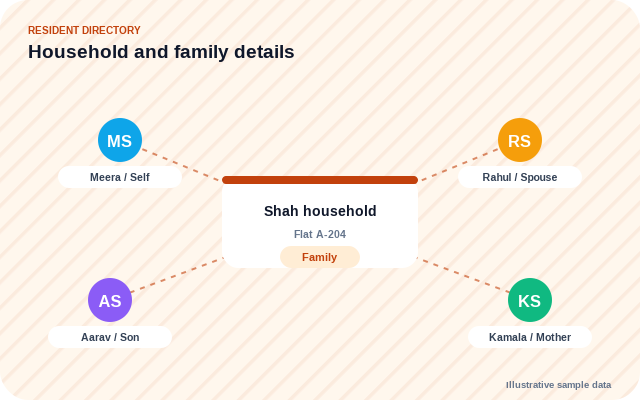
Maintain family members with their name, relationship, phone number, and email address where provided. Update or remove household information when needed.

Household and family details diagram: illustrative people and responsibilities map with sample data.
Illustrated workflow · Resident connections · sample data, not an app screenshot
Explore the possibilities

Contact-sharing requests

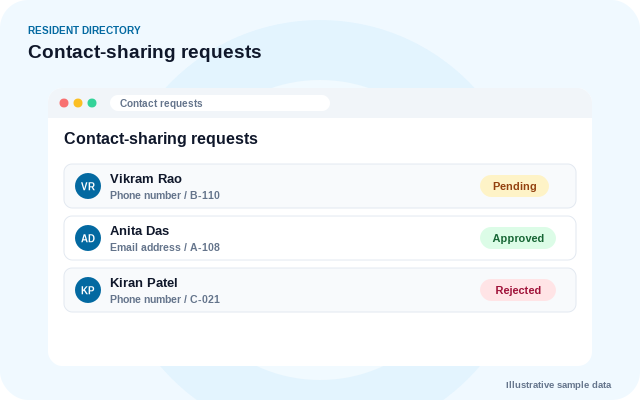
Residents can decide whether to share their phone number or email address through requests that may be Pending, Approved, or Rejected.

Contact-sharing requests diagram: illustrative record list with sample data.
Illustrated workflow · Resident connections · sample data, not an app screenshot
Explore the possibilities

Resident Since corrections

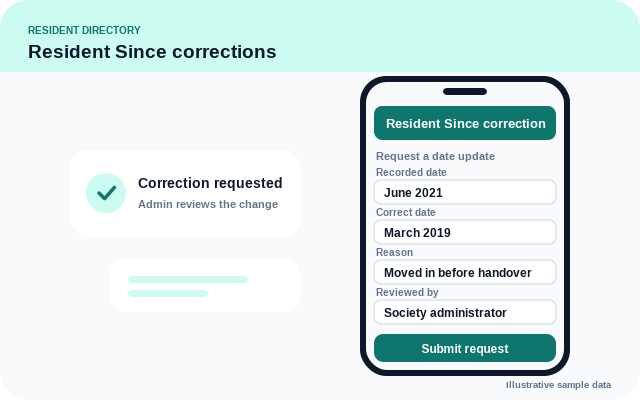
Submit a request with the correct date and a reason if the recorded residency start date is wrong. Society administrators review the request before official records change.

Resident Since corrections diagram: illustrative app form with sample data.
Illustrated workflow · Resident connections · sample data, not an app screenshot
Explore the possibilities

Find the right profile

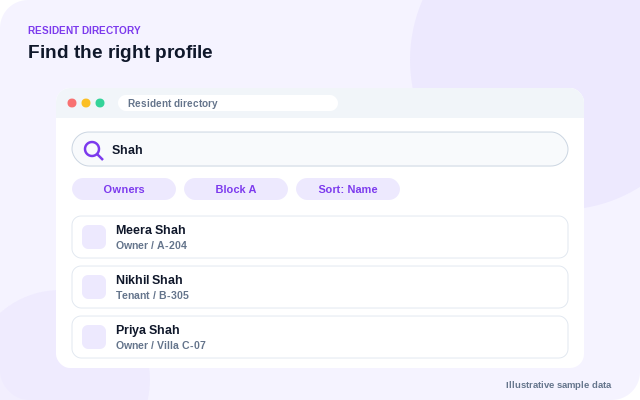
Authorized users can search, filter, and sort resident records to quickly locate a community member.

Find the right profile diagram: illustrative search and filter screen with sample data.
Illustrated workflow · Resident connections · sample data, not an app screenshot
Explore the possibilities

Roles and community access

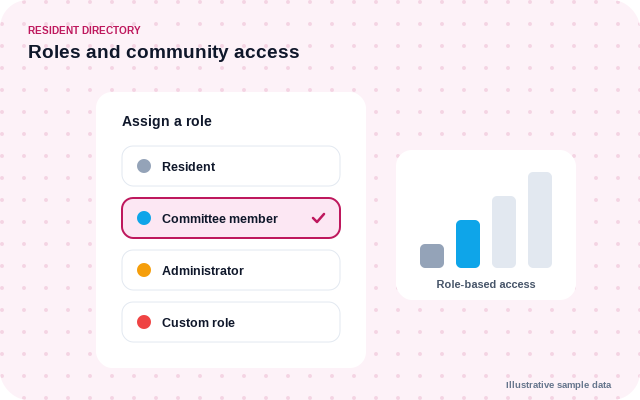
Administrators with the relevant permissions can assign administrative or committee roles, manage resident access, and maintain accurate occupancy records.

Roles and community access diagram: illustrative priority or role selector with sample data.
Illustrated workflow · Resident connections · sample data, not an app screenshot
Explore the possibilities

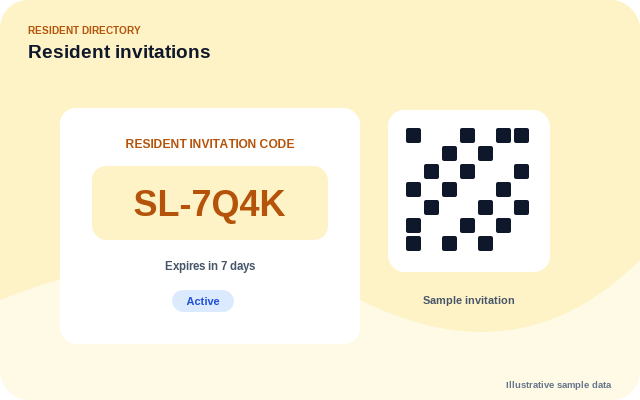
Resident invitations

Authorized users can invite owners, tenants, and eligible residents with an invitation code and expiry date. Track whether an invitation has been utilized or expired, and manage or resend invitations.

Resident invitations diagram: illustrative entry or invitation code with sample data.
Illustrated workflow · Resident connections · sample data, not an app screenshot
Explore the possibilities

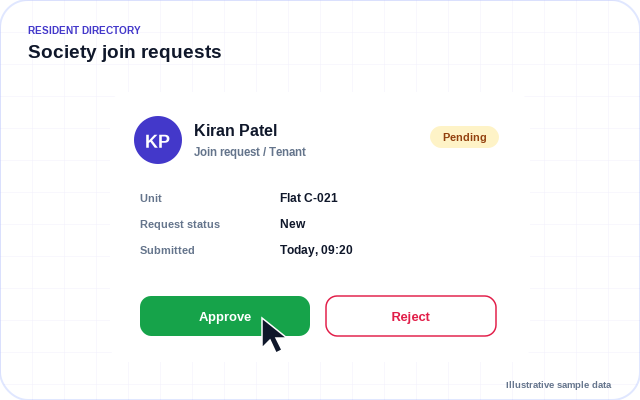
Society join requests

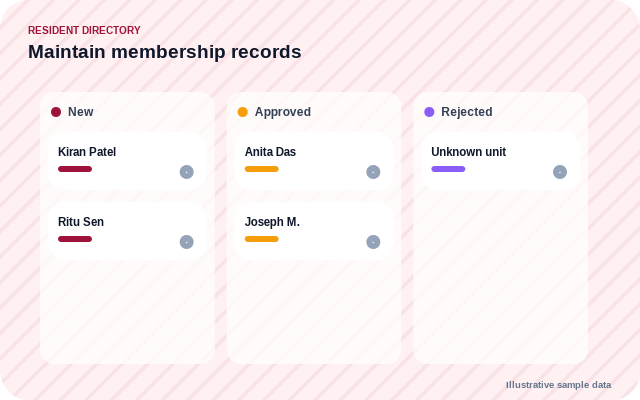
Review applicant details and requests marked New, Approved, or Rejected. Authorized administrators can approve or reject pending requests according to the society's membership policies.

Society join requests diagram: illustrative approve or reject request with sample data.
Illustrated workflow · Resident connections · sample data, not an app screenshot

How it works in the app

Explore the possibilities

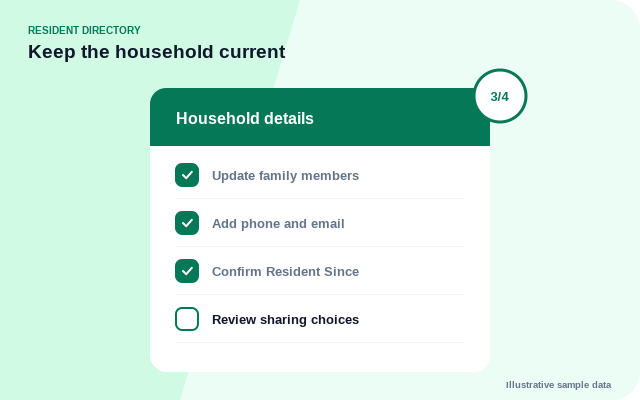
Step 1: Keep the household current

Maintain personal and family information and check the associated flat or villa and residency date.

Step 1: Keep the household current diagram: illustrative checklist card with sample data.
Illustrated workflow · Resident connections · sample data, not an app screenshot
Explore the possibilities

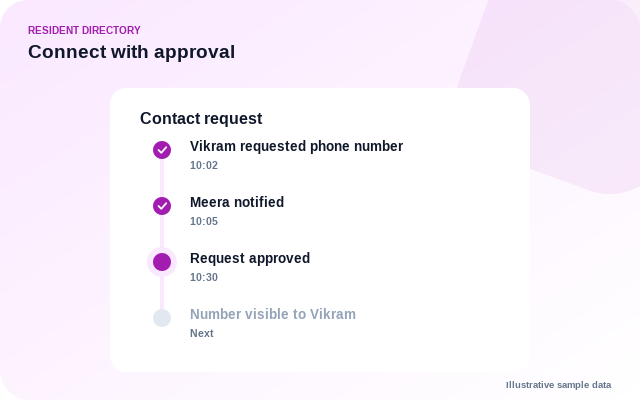
Step 2: Connect with approval

Use contact-sharing requests and respect the resident's decision before accessing contact details.

Step 2: Connect with approval diagram: illustrative status timeline with sample data.
Illustrated workflow · Resident connections · sample data, not an app screenshot
Explore the possibilities

Step 3: Maintain membership records

Authorized administrators review corrections, manage roles, and update access as community records change.

Step 3: Maintain membership records diagram: illustrative status board with sample data.
Illustrated workflow · Resident connections · sample data, not an app screenshot

Access and availability

Visible profile fields and administrative actions depend on permissions and resident privacy choices. Contact requests provide approval-based sharing, not a promise of anonymous or masked messaging.