Bring neighbors together

Community Events

Plan celebrations, sports, cultural programs, and other community gatherings. Share practical details, collect attendance responses, and keep residents informed when plans change.

Everything residents need before they take part

Create detailed announcements for upcoming gatherings and preserve useful context for past events.

Explore the possibilities

Complete event details

Add the title, category, descriptions, date and time, venue, organizer, and registration details where applicable. Include a banner image and supporting attachments.
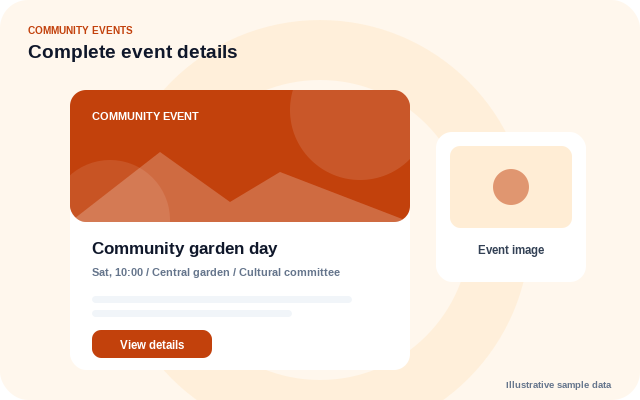
Complete event details diagram: illustrative promotional banner with sample data.
Illustrated workflow · Community events · sample data, not an app screenshot
Explore the possibilities

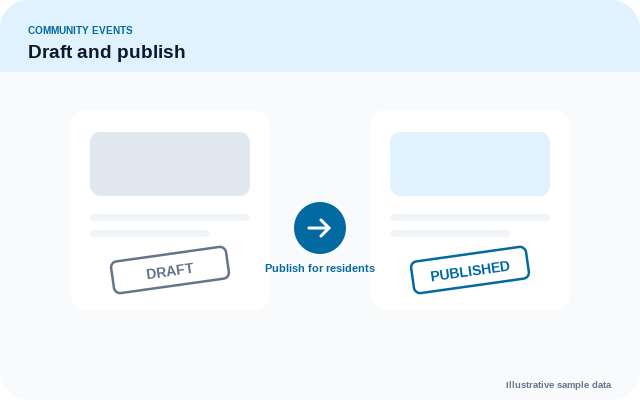
Draft and publish

Prepare the announcement in advance and save it as a draft. Authorized users can publish it for eligible residents when the details are ready.

Draft and publish diagram: illustrative status change with sample data.
Illustrated workflow · Community events · sample data, not an app screenshot
Explore the possibilities

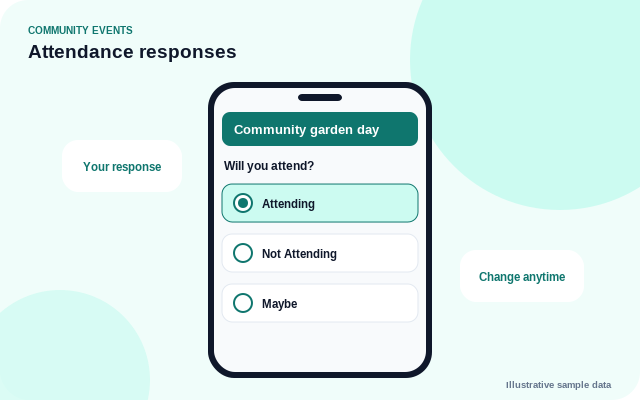
Attendance responses

Residents can select Attending, Not Attending, or Maybe on the event detail screen, and update their response as their plans become clearer.

Attendance responses diagram: illustrative options screen with sample data.
Illustrated workflow · Community events · sample data, not an app screenshot
Explore the possibilities

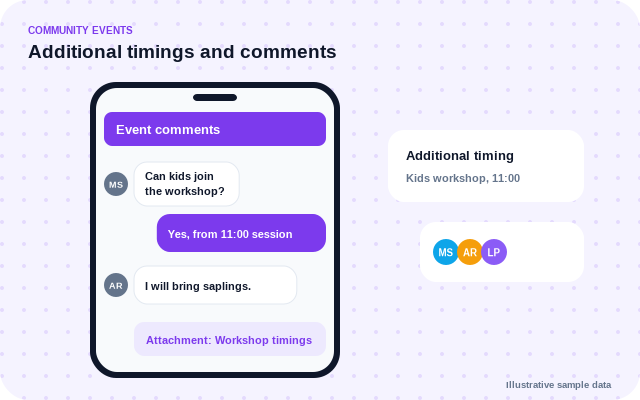
Additional timings and comments

Include supporting sessions or timings alongside the main event. Use event comments for discussion and feedback where comments are enabled.

Additional timings and comments diagram: illustrative conversation screen with sample data.
Illustrated workflow · Community events · sample data, not an app screenshot
Explore the possibilities

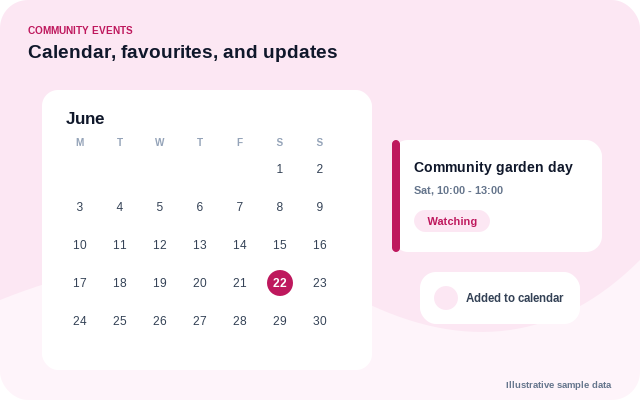
Calendar, favourites, and updates

Add an event to a device calendar, mark it as a favourite, or watch it to receive updates such as timing or venue changes.

Calendar, favourites, and updates diagram: illustrative calendar view with sample data.
Illustrated workflow · Community events · sample data, not an app screenshot
Explore the possibilities

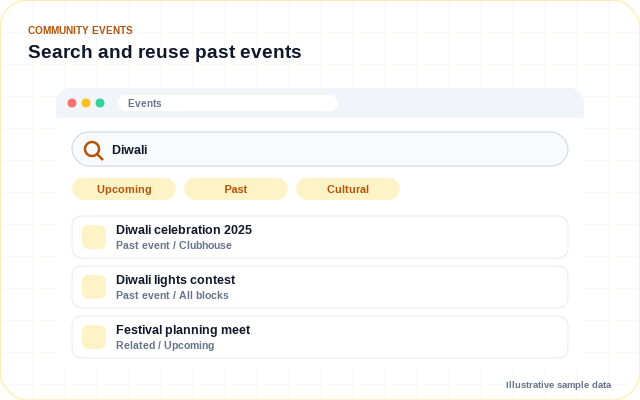
Search and reuse past events

Browse upcoming and past events, search by relevant details, and explore related events in the same society. Copy an event to reuse its information with new dates.

Search and reuse past events diagram: illustrative search and filter screen with sample data.
Illustrated workflow · Community events · sample data, not an app screenshot

How it works in the app

Explore the possibilities

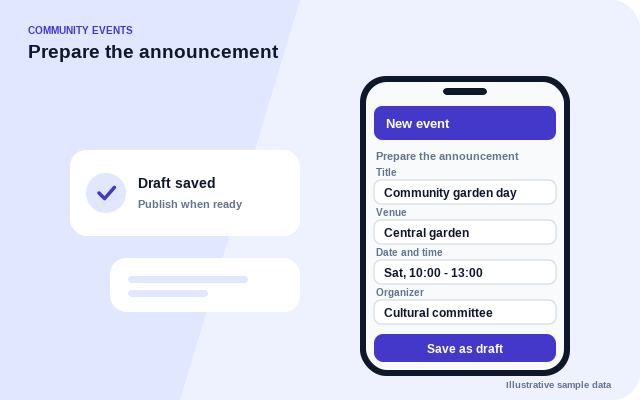
Step 1: Prepare the announcement

Set the date, venue, organizer, and description. Add a banner and any documents residents should review.

Step 1: Prepare the announcement diagram: illustrative app form with sample data.
Illustrated workflow · Community events · sample data, not an app screenshot
Explore the possibilities

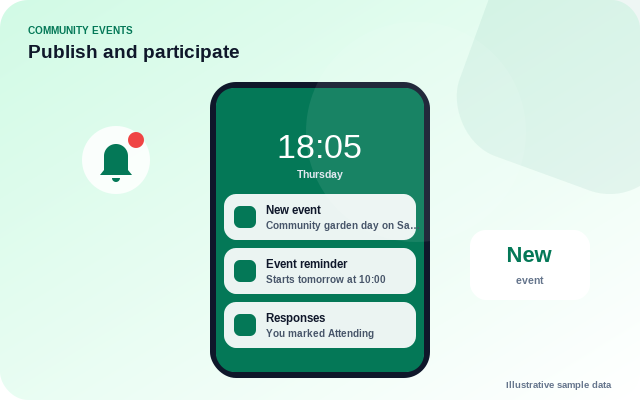
Step 2: Publish and participate

Publish for the eligible audience, let residents choose their attendance response, and share event details.

Step 2: Publish and participate diagram: illustrative notification screen with sample data.
Illustrated workflow · Community events · sample data, not an app screenshot
Explore the possibilities

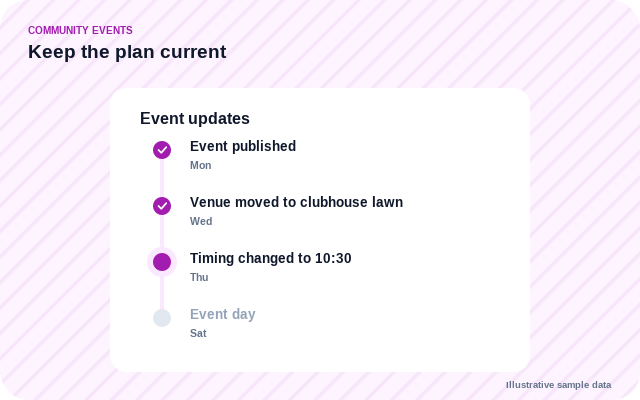
Step 3: Keep the plan current

Update timings or other information where needed, then share community photos through the Gallery.

Step 3: Keep the plan current diagram: illustrative status timeline with sample data.
Illustrated workflow · Community events · sample data, not an app screenshot

Access and availability

Event creation, editing, publishing, sharing, copying, and deletion depend on role-based permissions. Registration information and comments follow the options configured for the event.