Explore the possibilities
Schedule the meeting
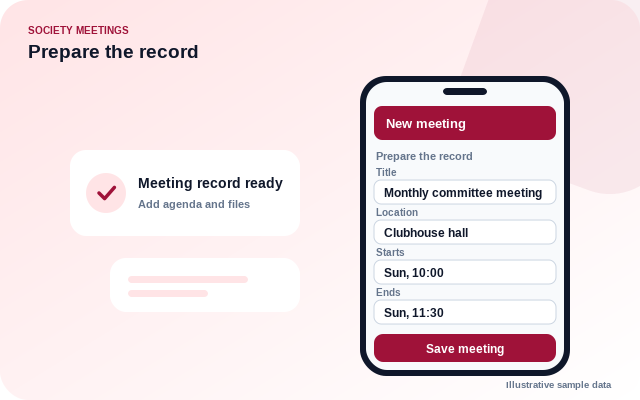
Enter a title, category, short description, location, and start and end dates and times. Review the record before saving a draft or publishing it.
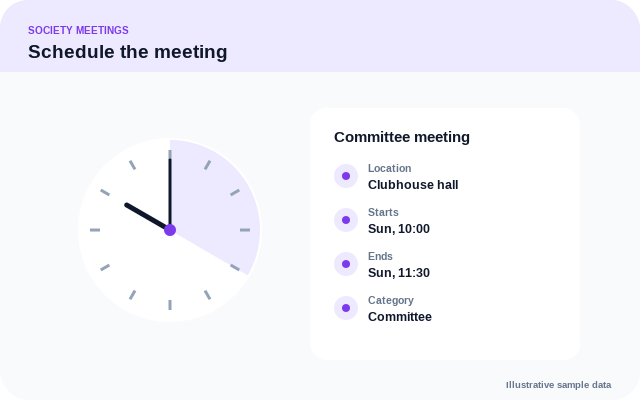

Schedule committee and community meetings with clear timings, locations, agendas, and supporting attachments. Share the details and help participants keep track of upcoming meetings.
Keep the agenda, description, participants, labels, and relevant files with the meeting record.
Enter a title, category, short description, location, and start and end dates and times. Review the record before saving a draft or publishing it.
Publish the subjects to be discussed and provide supporting context. Authorized users can edit the agenda and description as plans develop.
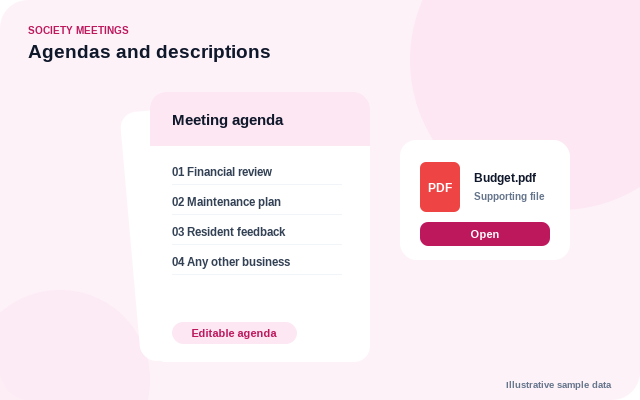
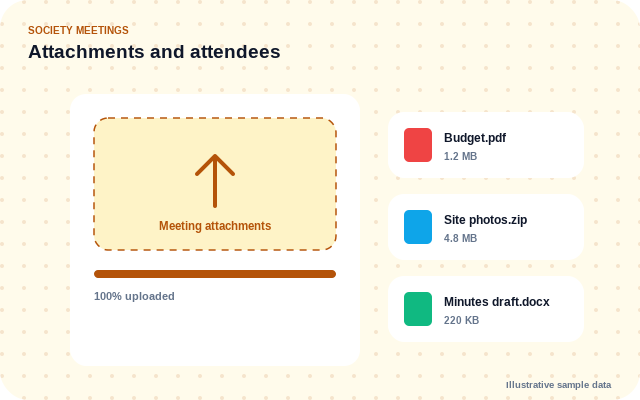
Review the meeting's attachments, attendee information, labels, scheduled timings, and other details from a single screen.
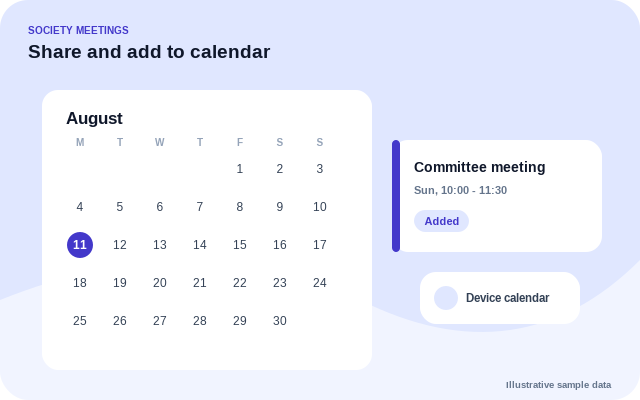
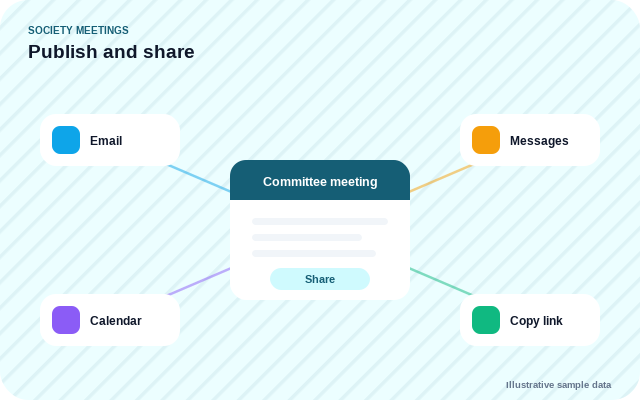
Share meeting details through supported applications and add the meeting to a device calendar to keep the schedule accessible.
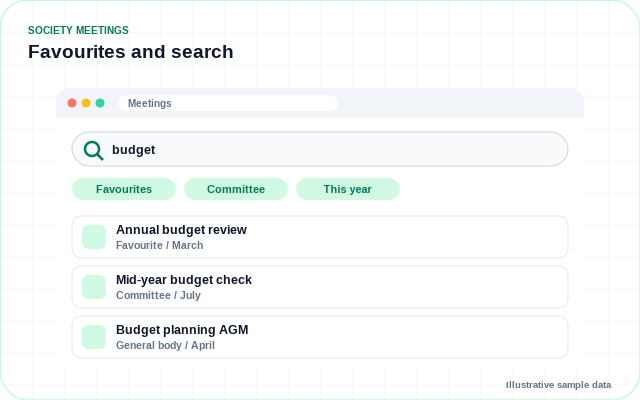
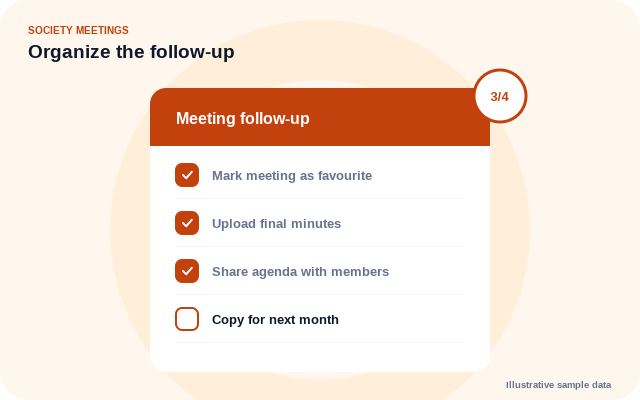
Mark important meetings as favourites. Use the meeting list and search to quickly locate the discussion you need.
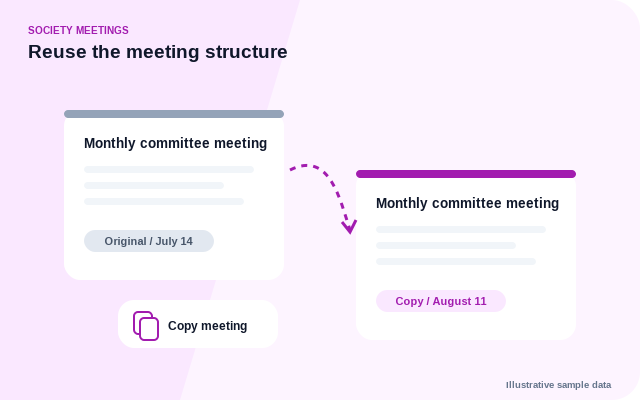
Copy an existing meeting to prepare a similar one, then choose new dates and review the copied details. Manage labels or delete records where authorized.
Set the location and timings, write the agenda, and attach material that participants should review.
Make the meeting available to its intended participants and share calendar details.
Record agreed work as Activities and store approved meeting documents in Documents using the relevant feature.
Creating or changing meetings and managing comments or labels depends on permissions and meeting settings. Supporting records and follow-up work can be maintained through Documents and Activities.