Expected guests. Clearer entry records.

Visitor Management

Only residents create pre-entry requests for visitors to their own flat or villa, not for the whole community. Authorized users review visitor details, approval status, entry credentials, and access records according to society policies.

A structured visitor journey, before and at the gate

Keep the purpose of a visit, the host unit, expected timings, and the approval decision together so authorized users can review the request.

Explore the possibilities

Entry request review

View the visitor's name, phone number, purpose of visit, flat number, request time, and approval status. Open the details to review the request before taking action.
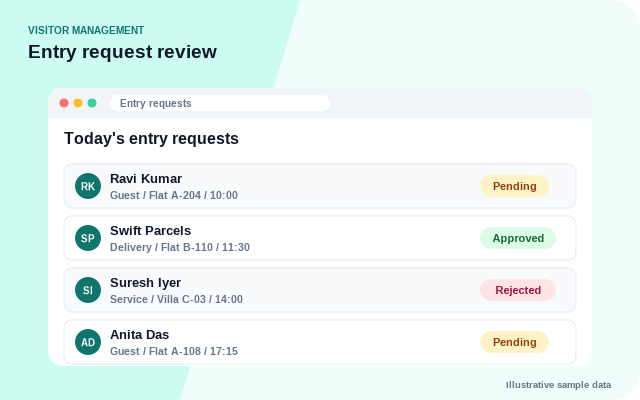
Entry request review diagram: illustrative record list with sample data.
Illustrated workflow · Visitor requests · sample data, not an app screenshot
Explore the possibilities

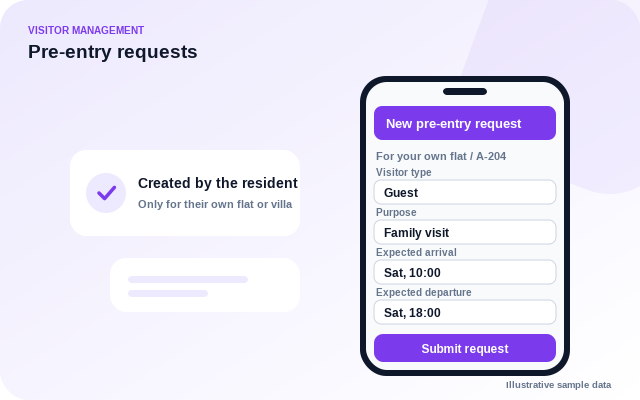
Pre-entry requests

Only residents can create pre-entry requests for their own guests, delivery personnel, and service providers. These are household-specific requests, not community-wide invitations. Residents select the visitor type and purpose, then set expected arrival and departure dates and times.

Pre-entry requests diagram: illustrative app form with sample data.
Illustrated workflow · Visitor requests · sample data, not an app screenshot
Explore the possibilities

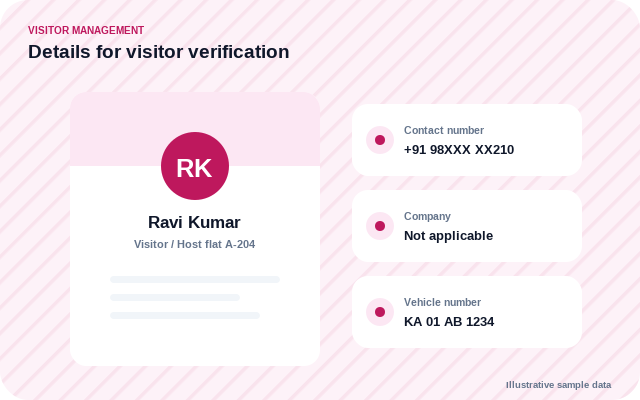
Details for visitor verification

Record the visitor's name, contact details, company, vehicle number, and photograph where required. Keep the associated resident and flat or villa with the request.

Details for visitor verification diagram: illustrative profile card with sample data.
Illustrated workflow · Visitor requests · sample data, not an app screenshot
Explore the possibilities

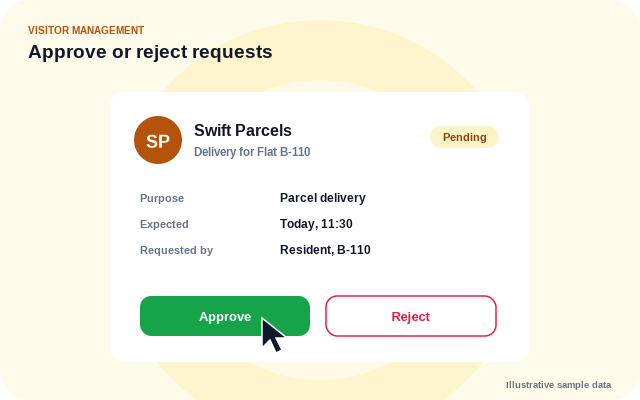
Approve or reject requests

Authorized residents, administrators, or security personnel can manage the requests available to their role and approve or reject them in line with society policies.

Approve or reject requests diagram: illustrative approve or reject request with sample data.
Illustrated workflow · Visitor requests · sample data, not an app screenshot
Explore the possibilities

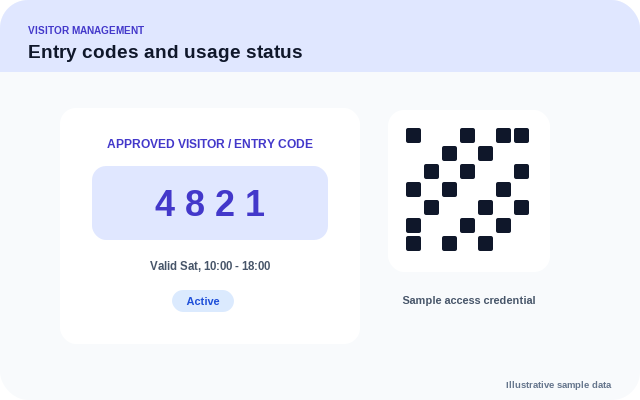
Entry codes and usage status

Once approved, a visitor may receive an entry code or other access credentials. Review whether the code has been used, together with the request's utilization and access status.

Entry codes and usage status diagram: illustrative entry or invitation code with sample data.
Illustrated workflow · Visitor requests · sample data, not an app screenshot
Explore the possibilities

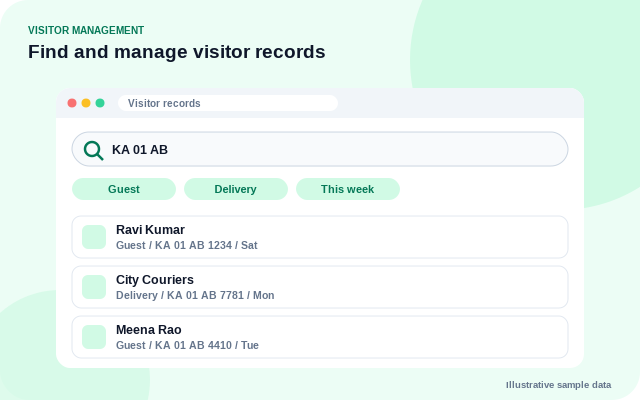
Find and manage visitor records

Search, sort, or filter requests by visitor name, entry type, company, vehicle number, or date. Entry notifications and multiple visitors per request are available where configured.

Find and manage visitor records diagram: illustrative search and filter screen with sample data.
Illustrated workflow · Visitor requests · sample data, not an app screenshot

How it works in the app

Explore the possibilities

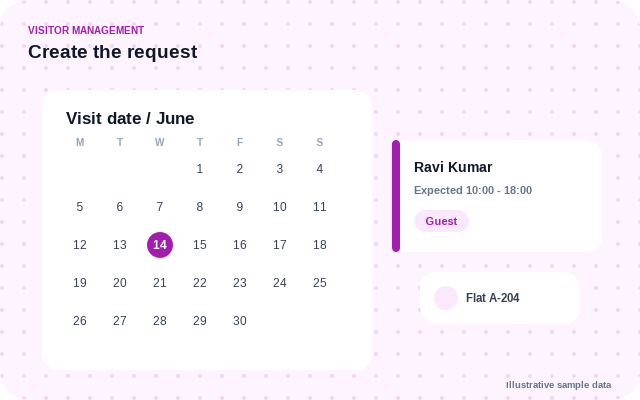
Step 1: Create the request

The resident creates a pre-entry request for their own flat or villa, entering the expected visitor, purpose, and visit timings before arrival.

Step 1: Create the request diagram: illustrative calendar view with sample data.
Illustrated workflow · Visitor requests · sample data, not an app screenshot
Explore the possibilities

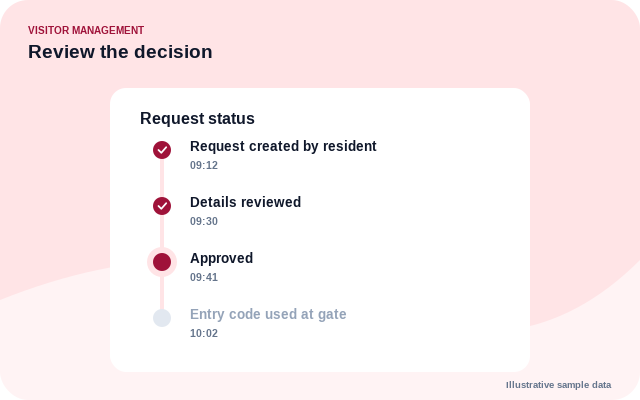
Step 2: Review the decision

Check the visitor details and approval status using the actions available to the assigned role.

Step 2: Review the decision diagram: illustrative status timeline with sample data.
Illustrated workflow · Visitor requests · sample data, not an app screenshot
Explore the possibilities

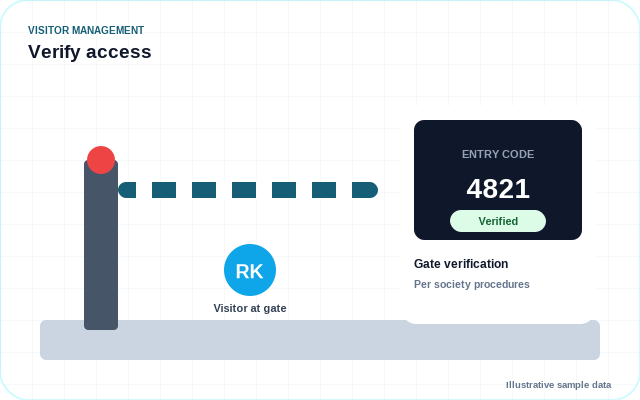
Step 3: Verify access

Use the approved access credentials and recorded utilization status alongside the society's gate verification procedures.

Step 3: Verify access diagram: illustrative gate verification scene with sample data.
Illustrated workflow · Visitor requests · sample data, not an app screenshot

Access and availability

Pre-entry request creation is restricted to residents for their own visitors; it is not a community-wide creation action for administrators or security staff. Review, approval, and gate verification are separate actions governed by permissions. Visitor fields, notifications, and multiple-visitor options depend on society configuration. Staff must still follow the community's verification rules.