Your community, connected

Redefine Your Third Life™
Live Better Together.

Make room for community life alongside home and work. Societal Life brings resident communication, shared activities, society finances, staff schedules, visitor requests, and recurring maintenance into one app.

  • Role-based permissions
  • Six app languages
  • Notification preferences
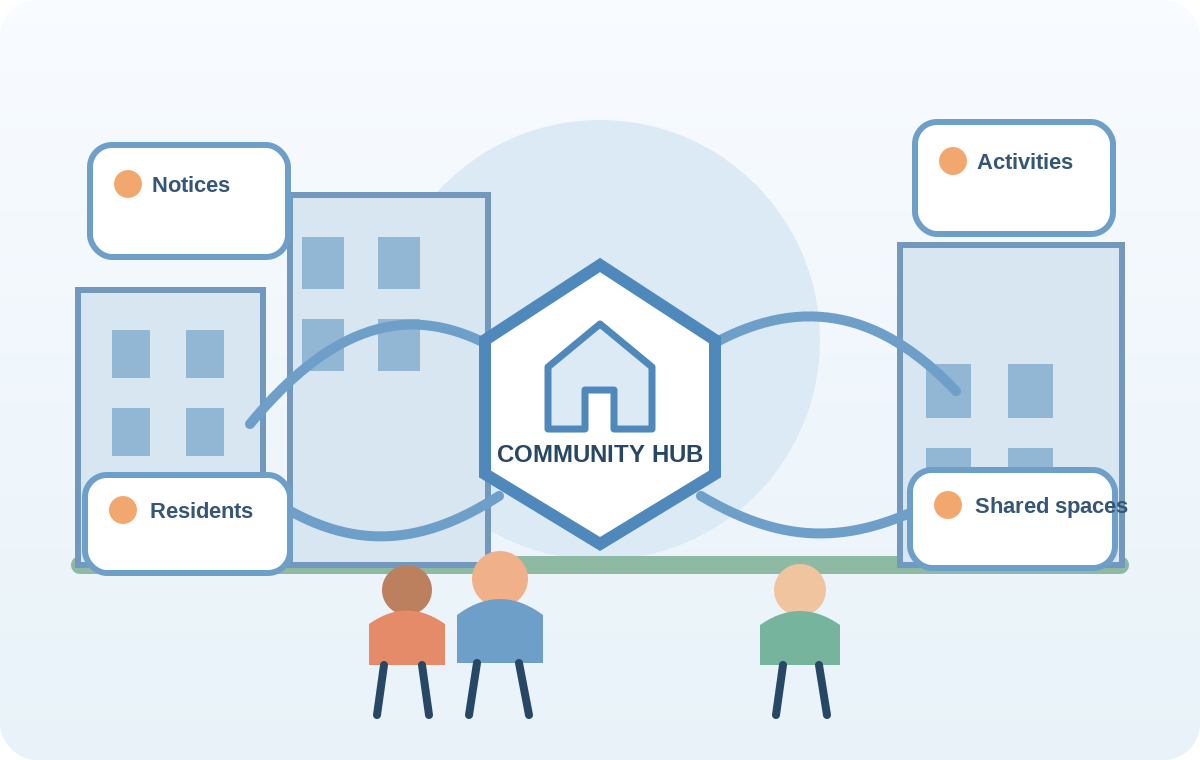
Apartments, neighbors, and community tools connected around a neighborhood hub.
Resident life, shared spaces, and everyday community tools in one connected view.
The Third Life philosophy

Community life deserves its own space

Between personal responsibilities and professional commitments, it can be hard to keep up with society matters. A shared place for information and action helps residents participate and helps committees organize the work behind everyday community life.

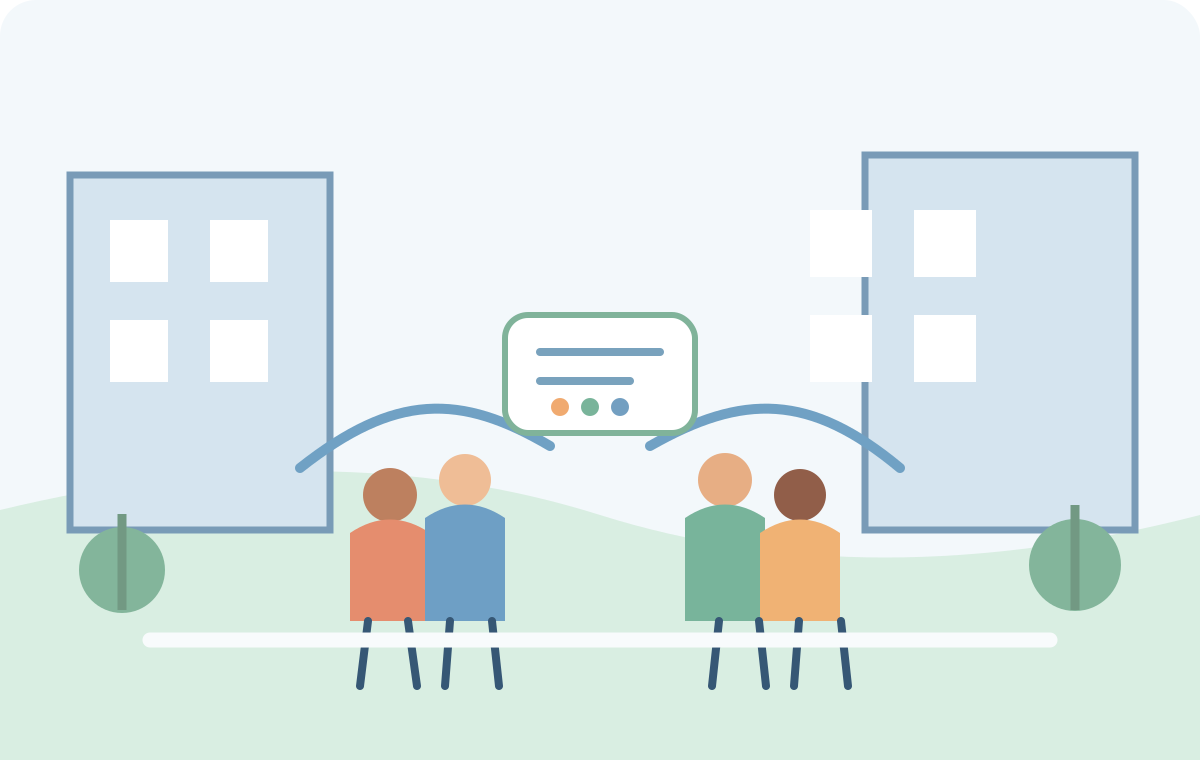
Neighbors and families meeting in a courtyard between apartment homes.
Shared spaces give neighbors and families more ways to take part in community life.
A closer look

For residents and families

Keep household profiles current, read notices, follow events, respond to polls, register expected guests, and discover shared amenities.

For committees and managers

Publish updates, organize meetings, assign activities, review society finances, and maintain community records with the appropriate permissions.

For staff and operations

Keep employee and attendance records organized, plan shifts, and follow assigned checklist and maintenance work.
Core Features

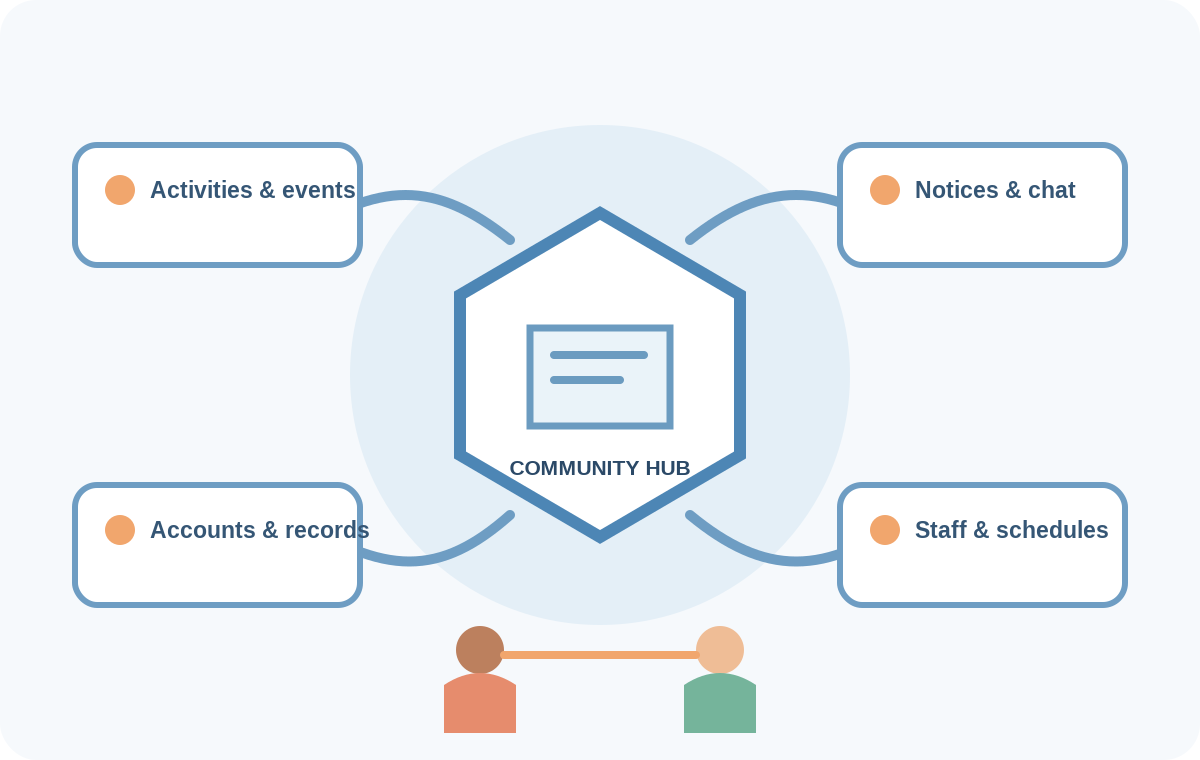
Six connected areas of community management

Explore the app tools for collaboration, communication, accounting, employees, visitors, and recurring maintenance.

Activities, notices, finances, and staff tools connected around one community hub.
Residents, committee members, and staff work across connected community tools.
A closer look

Collaboration Suite

Bring residents, committee members, and staff together around community work. Organize activities, share events and meeting agendas, gather feedback, and keep useful information within reach.

Explore this feature →

Communication Hub

Keep official announcements, community conversations, and notifications organized. Share targeted notices, manage chat groups, and let residents control their communication preferences.

Explore this feature →

Accounting & Ledger

Review income, expenses, transactions, monthly maintenance, and corpus contributions. Keep payment requests and supporting financial records organized for authorized users.

Explore this feature →

Staff On Duty & Employee Management

Maintain employee profiles, record daily attendance, and plan shifts, rotations, and holiday calendars. Give authorized users a structured view of society staff and their work schedules.

Explore this feature →
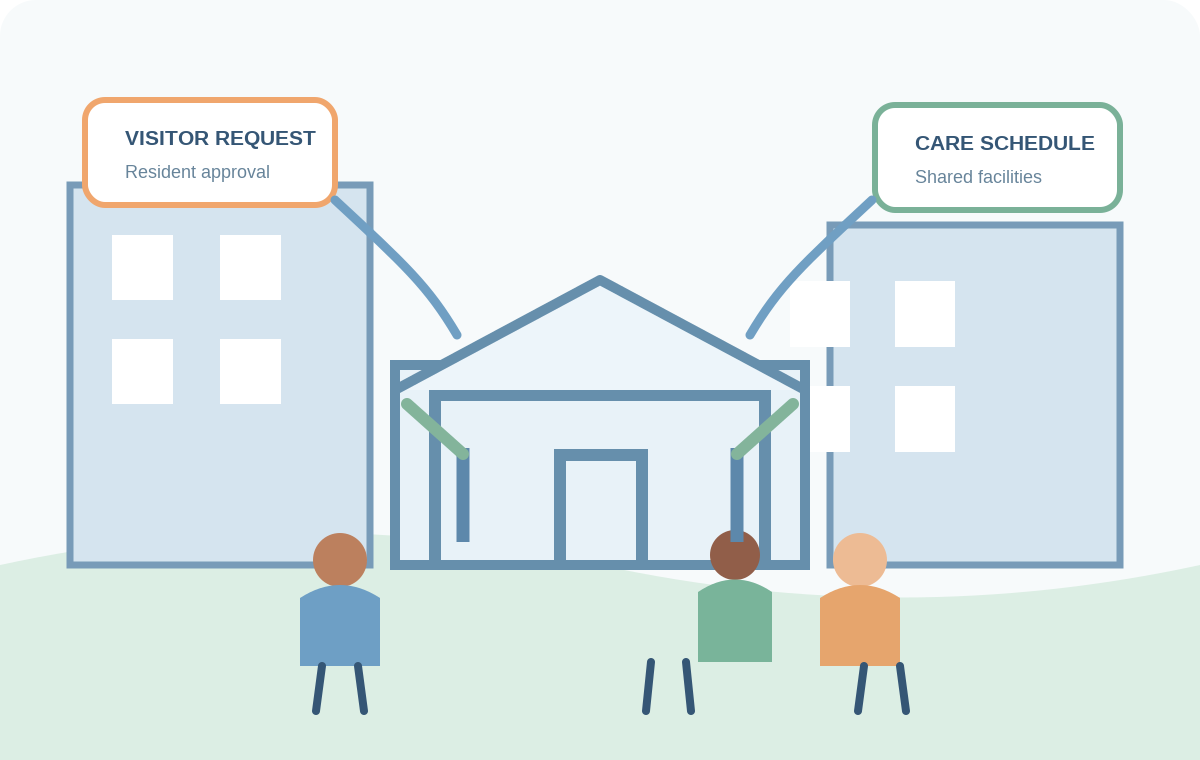
A residential entrance links visitor requests with staff care schedules.
Visitor access and recurring upkeep are part of caring for the whole community.
A closer look

Visitor Management

Only residents create pre-entry requests for visitors to their own flat or villa, not for the whole community. Authorized users review visitor details, approval status, entry credentials, and access records according to society policies.

Explore this feature →

Checklists & Scheduled Maintenance

Organize routine cleaning, inspections, and maintenance into checklist groups. Set recurring schedules, assign responsibility, and monitor completion from the Scheduled Checklist view.

Explore this feature →
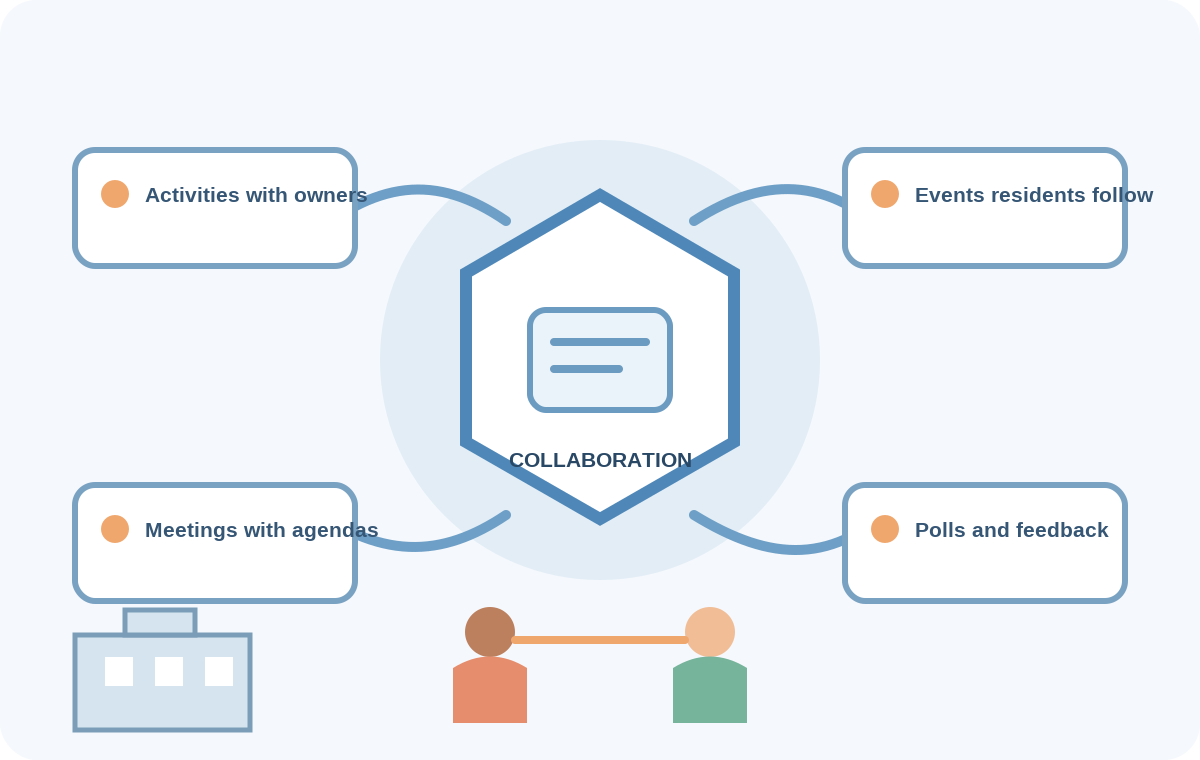
Activities, events, meeting agendas, and resident feedback connected through a collaboration platform.
Bring residents, committee members, and staff together around shared work.
Plan together. Follow through.

Collaboration Suite

Bring residents, committee members, and staff together around community work. Organize activities, share events and meeting agendas, gather feedback, and keep useful information within reach.

  • Activities with clear ownership

    Record the reporter, assignee, priority, due date, and status of each task. Break larger work into parent and child activities, and review the activity history.

  • Events residents can follow

    Publish community gatherings with dates, venues, organizer information, images, and attachments. Residents can respond Attending, Not Attending, or Maybe.

  • Meetings with an agenda

    Share meeting timings, locations, agendas, descriptions, and attachments. Save a draft, publish when ready, and add meetings to a device calendar.

Explore Collaboration Suite →
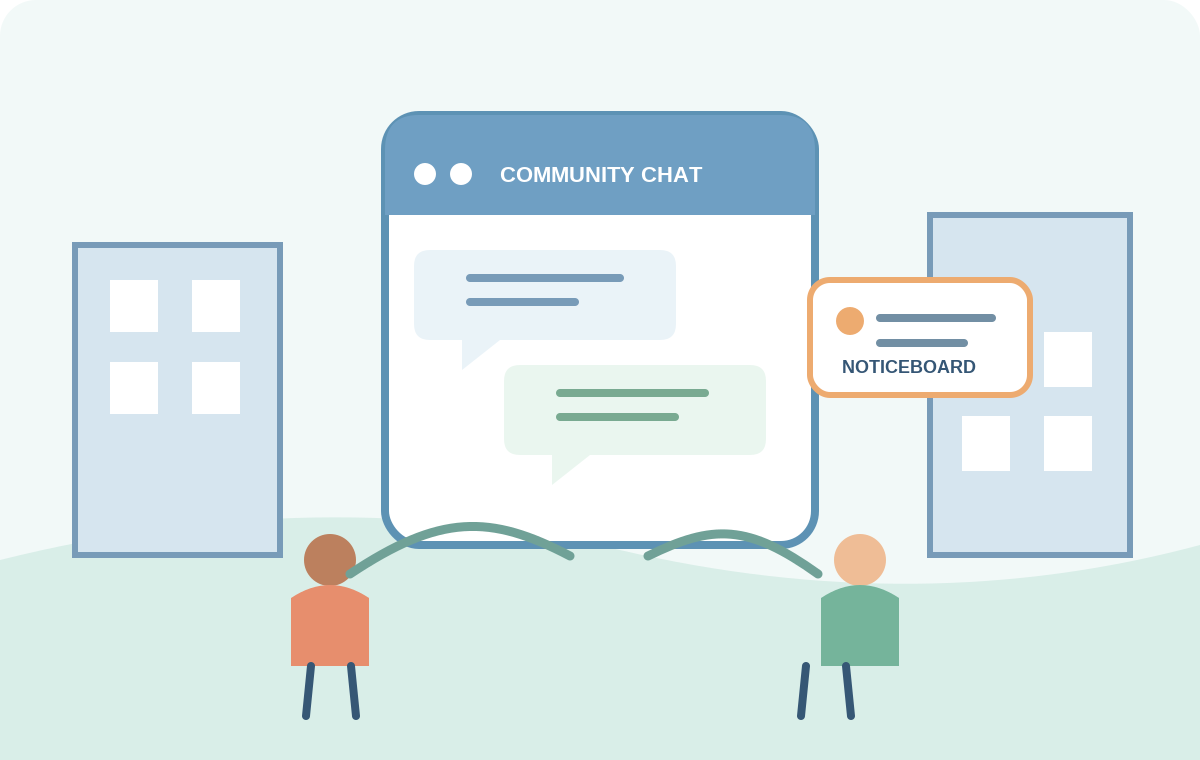
Residents connect through group messages, community notices, and notification choices.
Keep community conversations and updates connected to the people they serve.
The right update, in the right place

Communication Hub

Keep official announcements, community conversations, and notifications organized. Share targeted notices, manage chat groups, and let residents control their communication preferences.

  • Targeted noticeboards

    Publish notices for the whole community or selected residents, flats, villas, blocks, or groups. Include a short description, publication date, amount where relevant, and supporting attachments.

  • Personalized, recurring notices

    Use placeholders such as {{name}} and {{amount}} to tailor a notice to its recipients. Configure recurring notices for routine communications such as maintenance reminders.

  • Community chat groups

    Create groups with a name, image, description, visibility settings, and rules. Members can exchange messages and share images, documents, videos, and other files.

Explore Communication Hub →
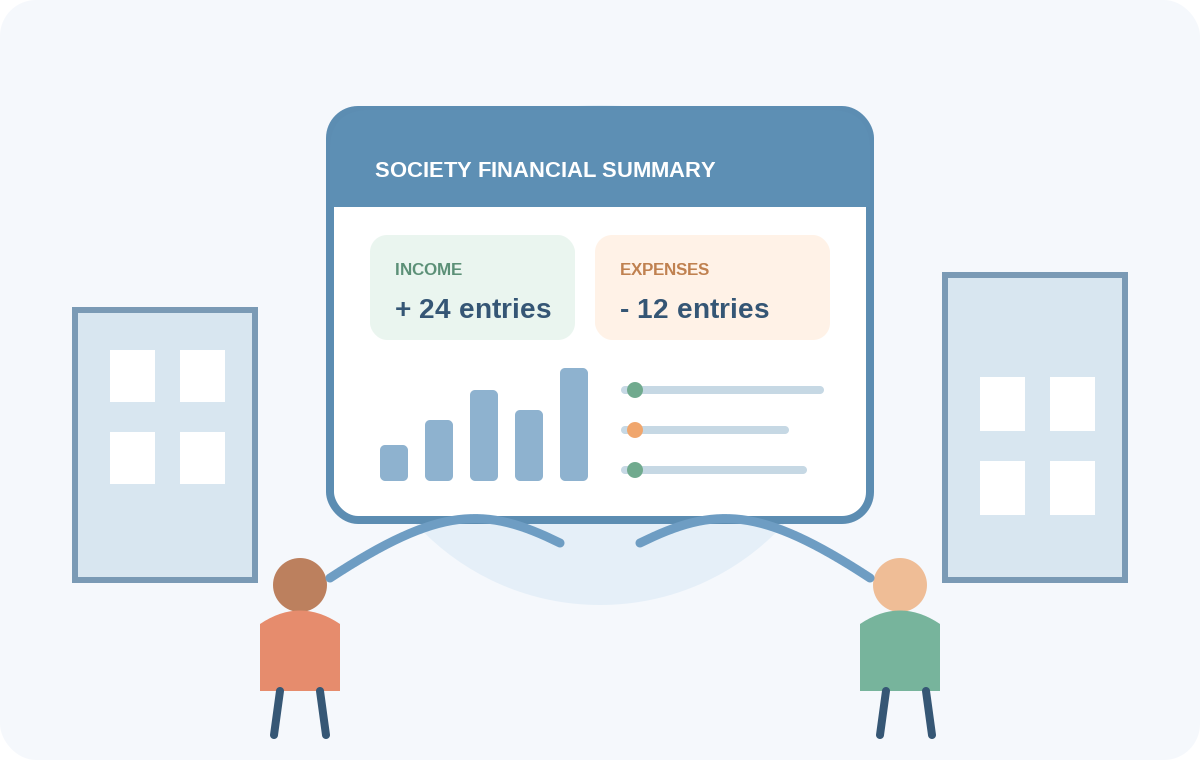
Authorized committee members review a financial dashboard, ledger entries, income, and expenses.
Authorized users can review financial records and supporting details together.
A clearer view of society finances

Accounting & Ledger

Review income, expenses, transactions, monthly maintenance, and corpus contributions. Keep payment requests and supporting financial records organized for authorized users.

  • Accounting summary

    View total income, total expenses, the current balance, and financial transactions for a selected period. Use a custom date range to review the activity that matters.

  • Detailed transaction records

    Record income, expenses, receipts, payments, and other entries with an amount, date, payment account, payment mode, category, purpose, and supporting documents where applicable.

  • Search and filter the ledger

    Locate entries by name, category, payment mode, transaction type, payment account, or date range. Review transaction details and associated residents, vendors, or employees where recorded.

Explore Accounting & Ledger →
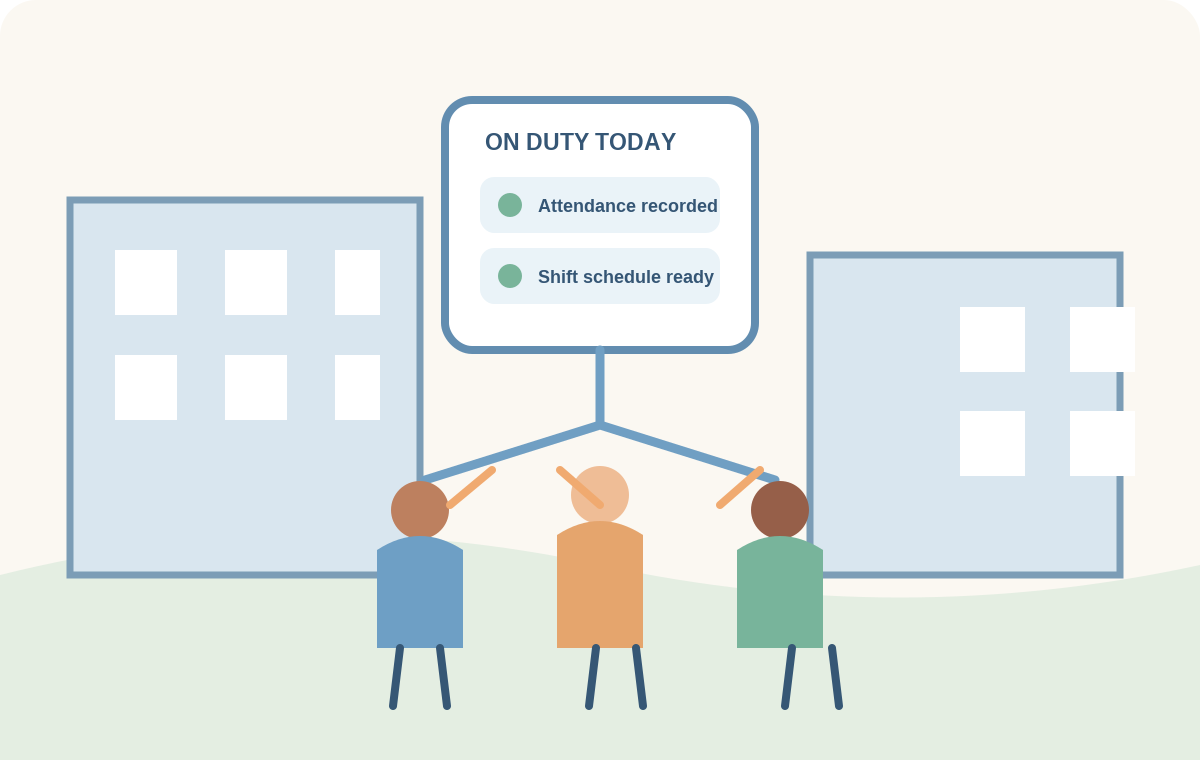
Community staff connect their profiles, daily attendance, and shift schedules.
Keep staff profiles, attendance, and schedules organized across the community.
Organize the people who keep your community running

Staff On Duty & Employee Management

Maintain employee profiles, record daily attendance, and plan shifts, rotations, and holiday calendars. Give authorized users a structured view of society staff and their work schedules.

  • Complete employee profiles

    Maintain personal and contact details, designation, role, joining date, salary information, assigned shifts, leave allocation, and holiday group. Search, filter, and sort staff records.

  • Daily attendance

    Mark an employee Present or Absent for a selected date. Use the attendance list and calendar history to review records before saving or updating them.

  • Freeze verified monthly attendance

    After reviewing a month, an authorized user can freeze its attendance. Frozen months do not allow further attendance additions or edits, and older records remain available for review.

Explore Staff On Duty & Employee Management →
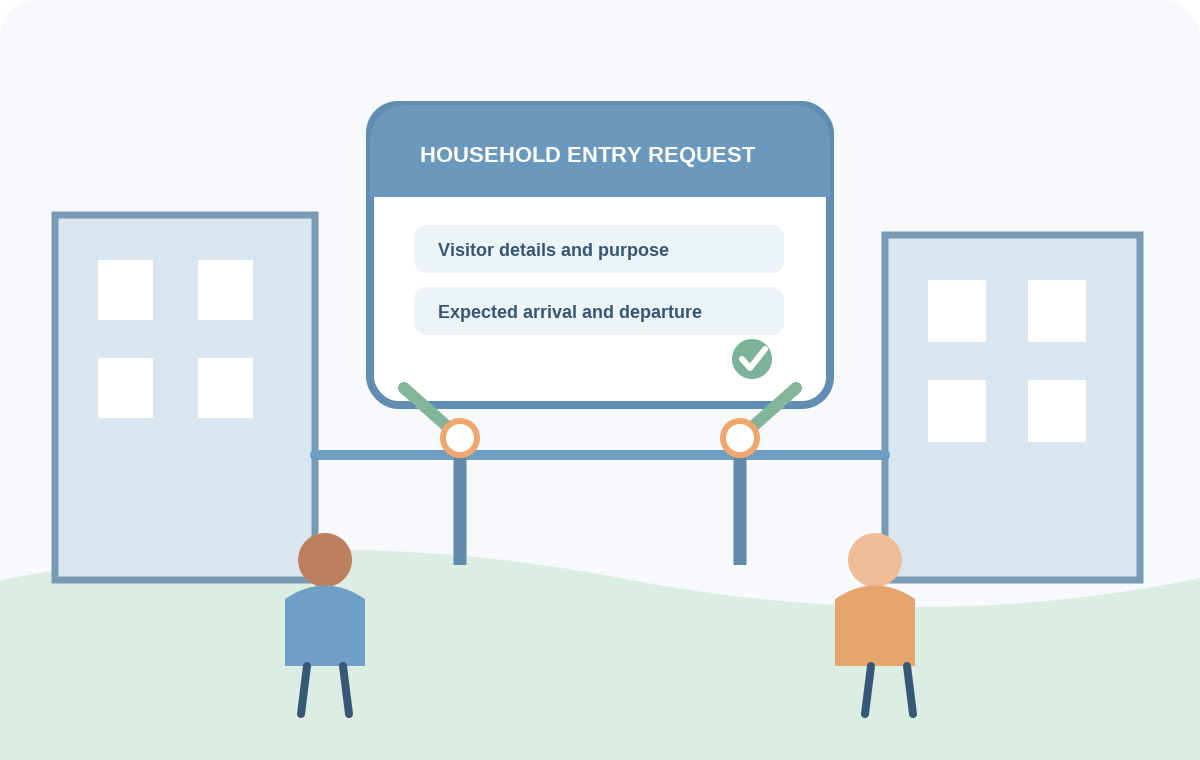
A resident creates a household visitor request linked to an entry checkpoint and approval record.
Visitor requests are tied to the resident's own home and the community's entry process.
Expected guests. Clearer entry records.

Visitor Management

Only residents create pre-entry requests for visitors to their own flat or villa, not for the whole community. Authorized users review visitor details, approval status, entry credentials, and access records according to society policies.

  • Entry request review

    View the visitor's name, phone number, purpose of visit, flat number, request time, and approval status. Open the details to review the request before taking action.

  • Pre-entry requests

    Only residents can create pre-entry requests for their own guests, delivery personnel, and service providers. These are household-specific requests, not community-wide invitations. Residents select the visitor type and purpose, then set expected arrival and departure dates and times.

  • Details for visitor verification

    Record the visitor's name, contact details, company, vehicle number, and photograph where required. Keep the associated resident and flat or villa with the request.

Explore Visitor Management →
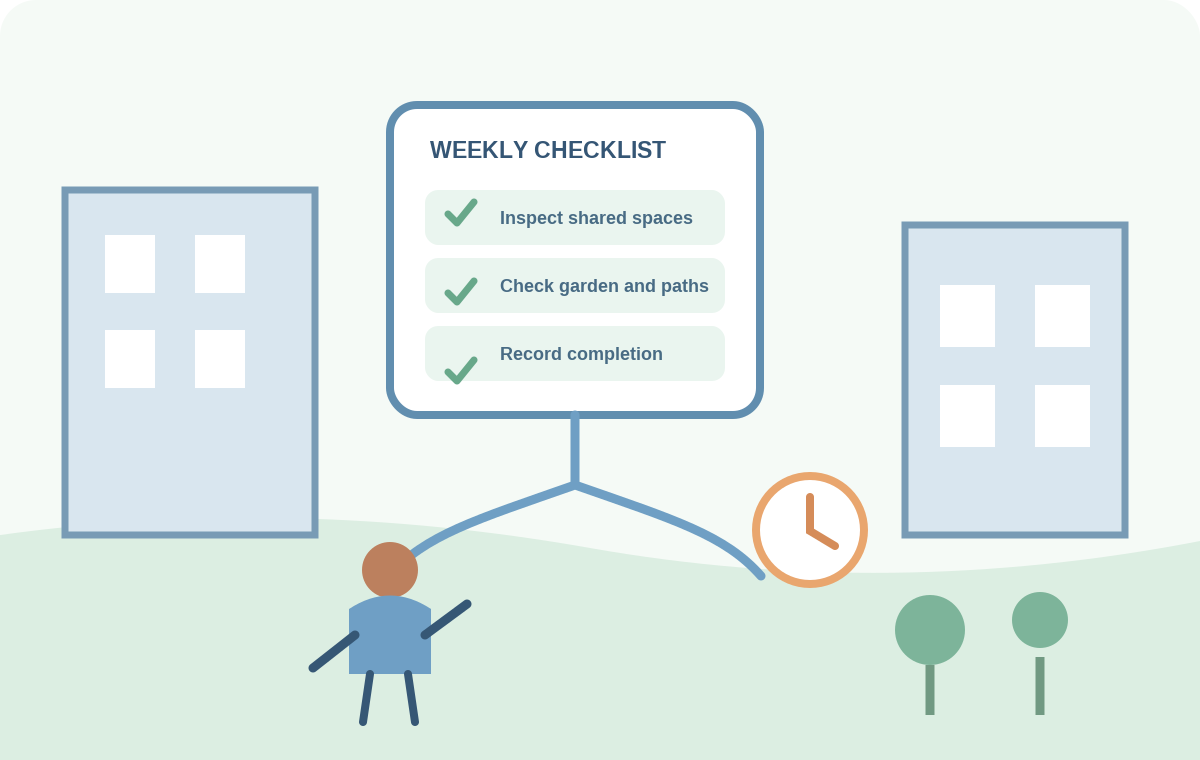
A staff member follows a recurring maintenance checklist for shared spaces and community grounds.
Recurring checklists help teams look after shared facilities and grounds.
Make recurring work easier to follow

Checklists & Scheduled Maintenance

Organize routine cleaning, inspections, and maintenance into checklist groups. Set recurring schedules, assign responsibility, and monitor completion from the Scheduled Checklist view.

  • Checklist groups and items

    Create groups for different maintenance or cleaning responsibilities, then add the specific tasks and instructions within each group.

  • Flexible recurring schedules

    Set a start date and recurring frequency, such as daily, weekly, or monthly. Define due dates and reminder settings for each checklist item.

  • Assigned responsibility

    Assign an employee or responsible user and include the check or inspection type. Staff can update the tasks assigned to them where their permissions allow.

Explore Checklists & Scheduled Maintenance →

Practical tools beyond the daily update

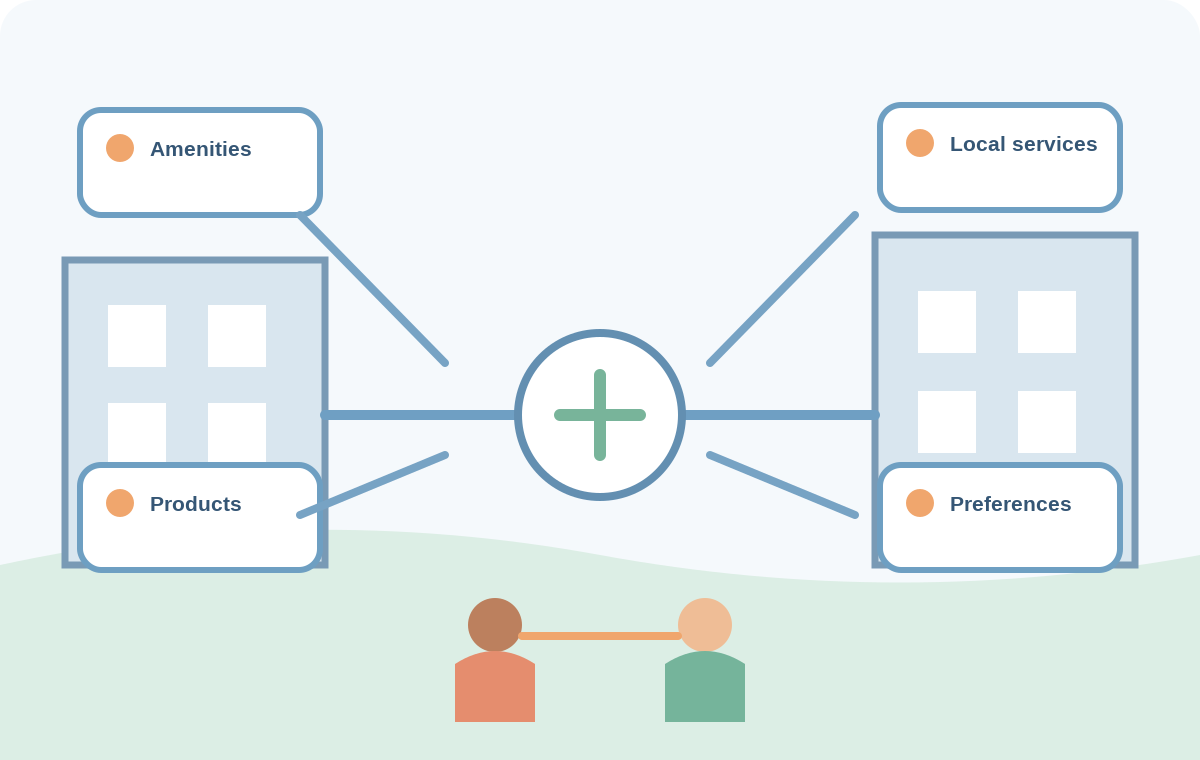
Residents connect shared amenities, products, local services, and communication choices.
Shared amenities, products, local services, and communication preferences support daily community life.
A closer look

Amenity bookings and subscriptions

Browse shared facility details, operating hours, capacity, photos, and rules. Where enabled, reserve available time slots or recurring subscriptions and review charges before confirming.

Explore community tools →

Products and inventory

Maintain product details, review available stock and stock in use, and record incoming or issued quantities for day-to-day society operations.

Explore operational records →

Business and service directories

Find providers through service categories and review the business and contact information maintained in the app. Authorized users can add and update directory records.

Explore ads and local services →

Language and notification choices

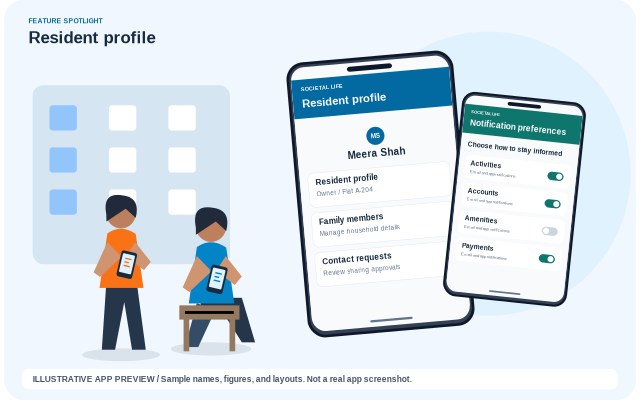
Use the app in English, Telugu, Hindi, Tamil, Kannada, or Malayalam. Manage email and app notifications by module, and review contact-sharing requests through resident profiles.

Explore communication controls →

How it works in the app

  1. 01

    Keep the information together

    Use the relevant feature for a notice, payment request, meeting, visitor request, or maintenance task.

  2. 02

    Act within your role

    Residents, committee members, administrators, and employees see the records and actions available to their permissions.

  3. 03

    Follow the details

    Search records, review statuses, and use the available notifications, favourites, or watch options to stay informed.

The bigger picture

Connected tools. Clearer next steps.

Your resident profile: illustrative app screens with people using the app.
Your resident profile. Illustrative preview, not an actual screenshot.
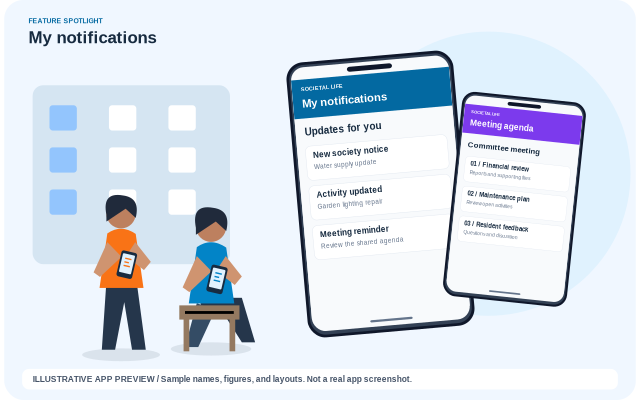
Your notification list: illustrative app screens with people using the app.
Your notification list. Illustrative preview, not an actual screenshot.

See how Societal Life fits your community

Walk through the resident and management workflows with a community specialist. Feature access and optional settings depend on your society configuration and assigned role.

Contact Us

SOS supports community assistance and does not replace local emergency services. For immediate danger, call your local emergency number directly.