Organize the people who keep your community running

Staff On Duty & Employee Management

Maintain employee profiles, record daily attendance, and plan shifts, rotations, and holiday calendars. Give authorized users a structured view of society staff and their work schedules.

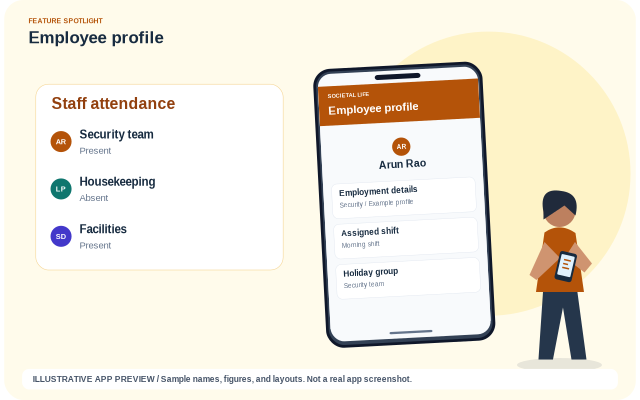
Staff On Duty & Employee Management: people using feature-specific app-screen mockups.
Illustrative app preview with sample data. Not an actual app screenshot.
Designed around community life

Staff records and schedules in one place

Support day-to-day workforce administration with employee information, attendance history, and clear scheduling records.

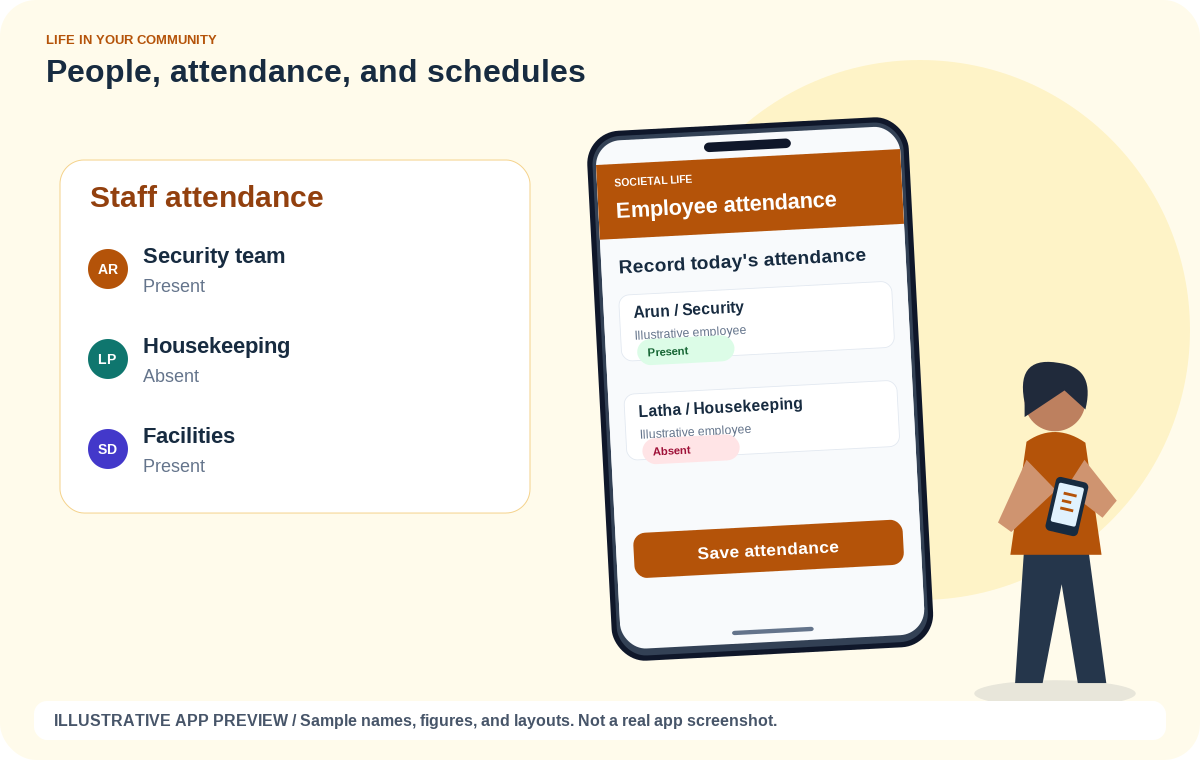
Staff On Duty & Employee Management: people using illustrative app-screen previews with sample data.
Illustrative app preview with sample data. Not an actual app screenshot.
A closer look

Complete employee profiles

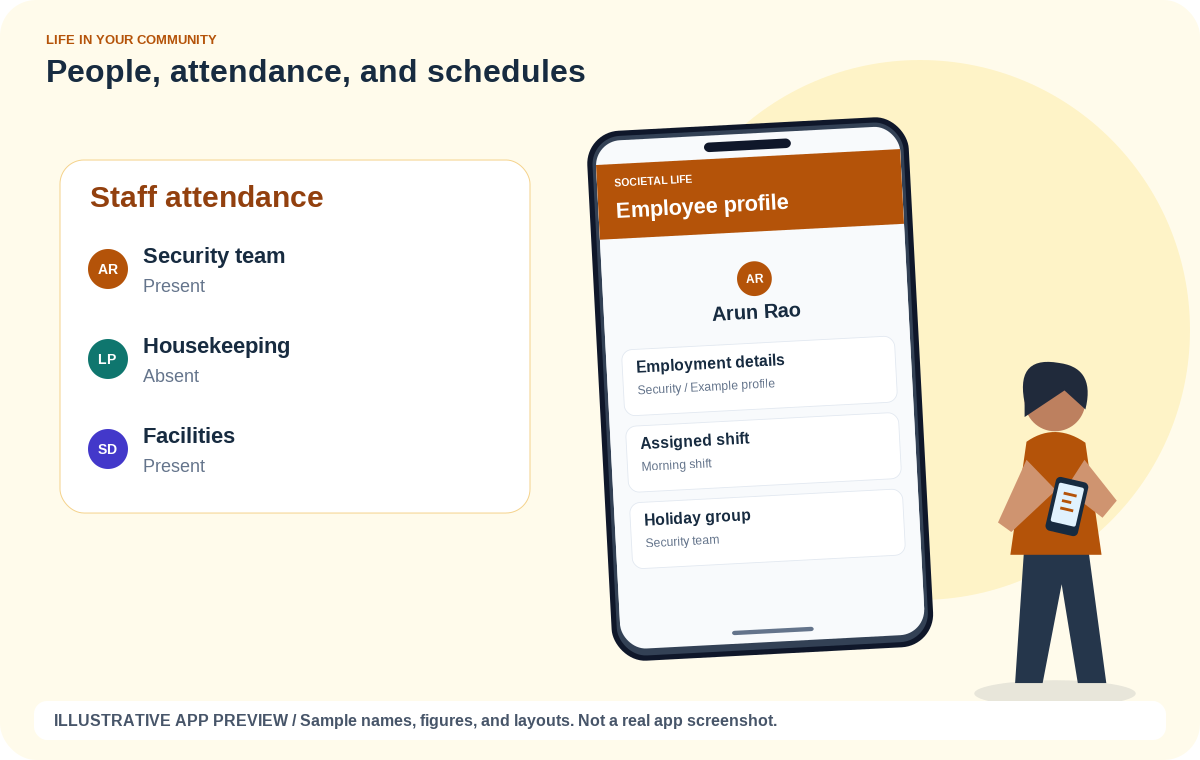
Maintain personal and contact details, designation, role, joining date, salary information, assigned shifts, leave allocation, and holiday group. Search, filter, and sort staff records.

Daily attendance

Mark an employee Present or Absent for a selected date. Use the attendance list and calendar history to review records before saving or updating them.

Freeze verified monthly attendance

After reviewing a month, an authorized user can freeze its attendance. Frozen months do not allow further attendance additions or edits, and older records remain available for review.

Employee shift assignments

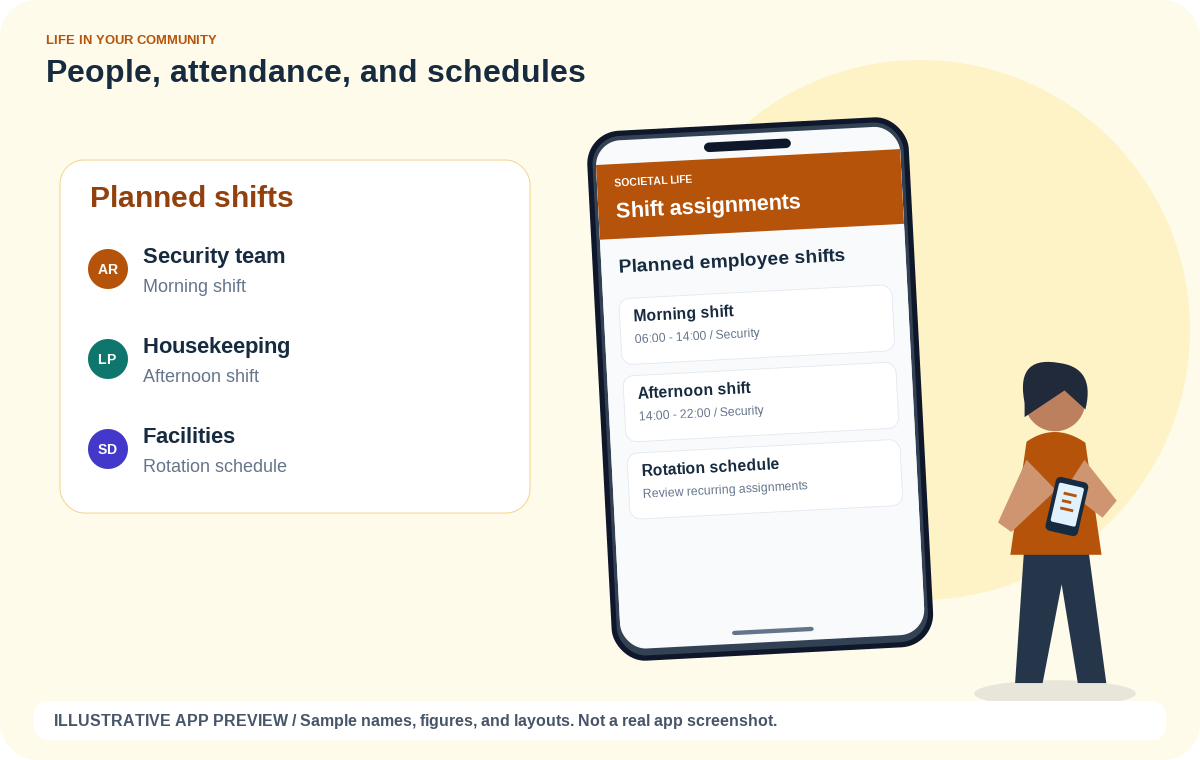
Select the employee, start date, and shift start and end times. Link a rotation schedule where applicable, and review assignments before saving.
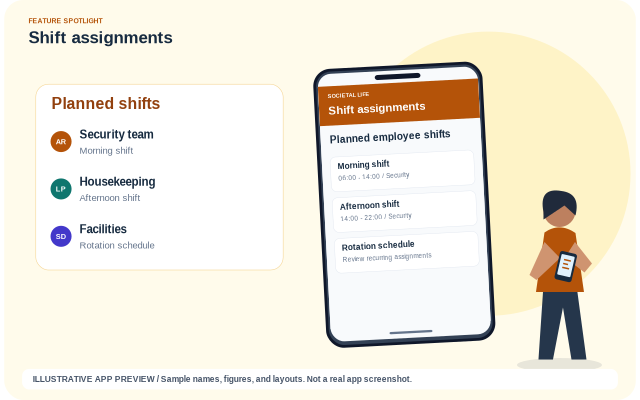
Staff On Duty & Employee Management: people using illustrative app-screen previews with sample data.
Illustrative app preview with sample data. Not an actual app screenshot.
A closer look

Recurring rotation schedules

Define rotation frequency, the rotation start day, and shift timings. Authorized users can update, reassign, or remove rotation plans when staffing needs change.

Holiday groups and leave information

Maintain holiday calendars for different staff groups and review leave information in employee profiles. A holiday group can be deleted only after its holidays have been removed.

How it works in the app

  1. 01

    Maintain the profile

    Add employment and contact information, then assign the appropriate role, shift, leave allocation, and holiday group.

  2. 02

    Plan and record

    Set shifts or rotations and mark attendance for the relevant dates. Review the calendar to check prior entries.

  3. 03

    Finalize the month

    Verify the attendance records before freezing the month to prevent subsequent attendance changes.

The bigger picture

Connected tools. Clearer next steps.

Employee shift assignments: illustrative app screens with people using the app.
Employee shift assignments. Illustrative preview, not an actual screenshot.
Employee profile details: illustrative app screens with people using the app.
Employee profile details. Illustrative preview, not an actual screenshot.

Access and availability

Employee records, salary information, attendance, and schedule changes are available according to assigned permissions. This feature describes recorded attendance and planned shifts, not a live clock-in or location-tracking service.

See Staff On Duty & Employee Management in action

Explore the resident and management workflows with a community specialist. Available actions depend on your role and society settings.

Contact Us