Explore the possibilities
Document categories
Organize records into categories and maintain category details. Optional descriptions, icons, or colors help users distinguish different collections.
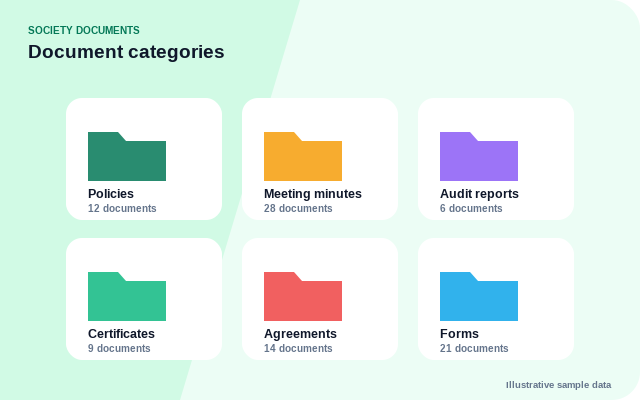

Store, categorize, and find bylaws, meeting records, audit reports, agreements, forms, and other society documents. Control who can manage records and whether downloads are permitted.
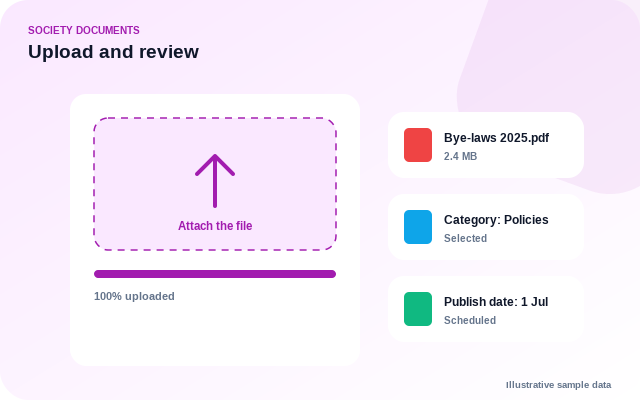
Give important files a title, a category, and a publication date, then make them available to the appropriate users.
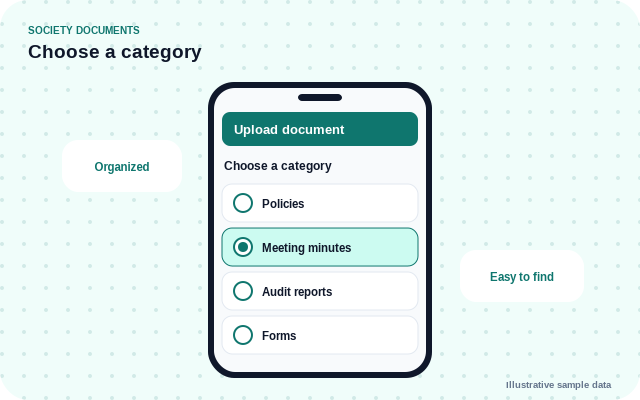
Organize records into categories and maintain category details. Optional descriptions, icons, or colors help users distinguish different collections.
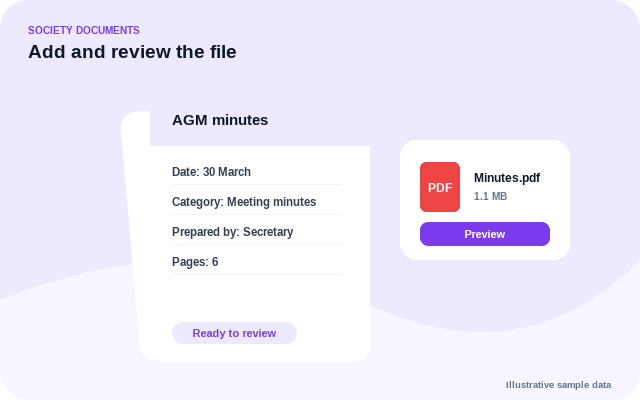
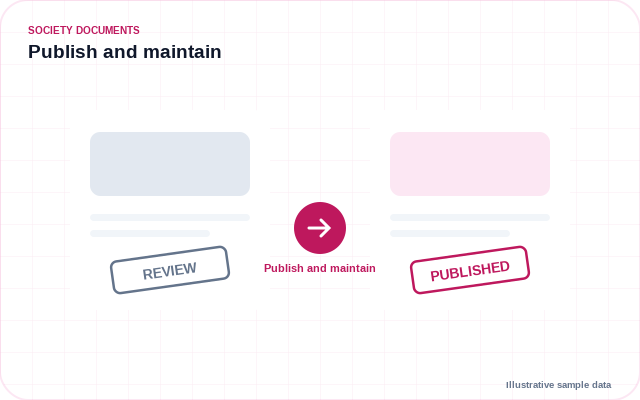
Provide a title, choose a category and publication date, and attach the file. Review the record before publishing it.
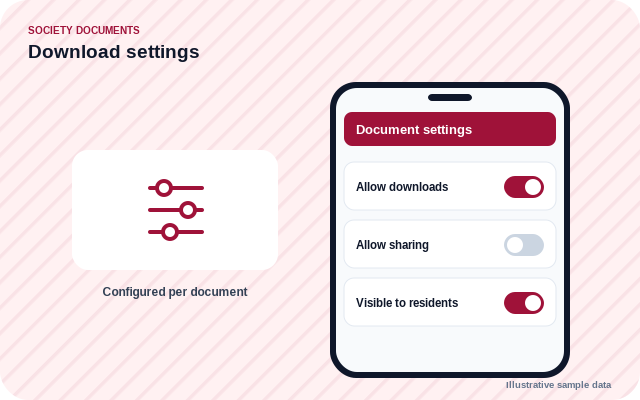
Configure whether downloads are allowed for a document. Viewing, downloading, sharing, editing, or deleting depends on the assigned permissions.
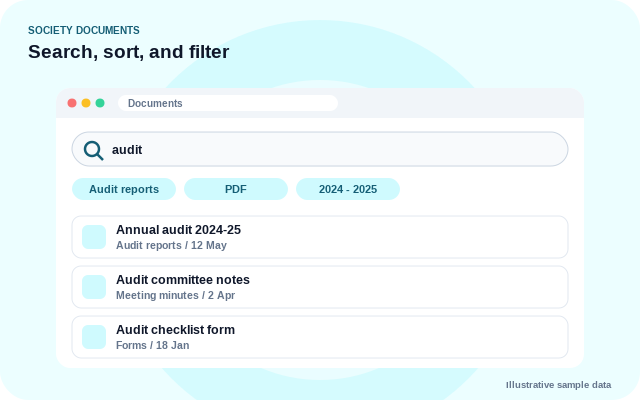
Find documents by keywords, category, document type, or date. Lists show key details such as title, category, publication date, upload date, and type.
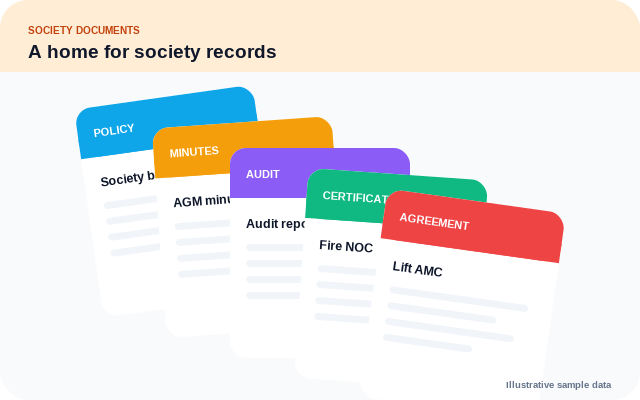
Keep policies, maintenance notices, meeting minutes, audit reports, certificates, agreements, and forms together in a structured repository.
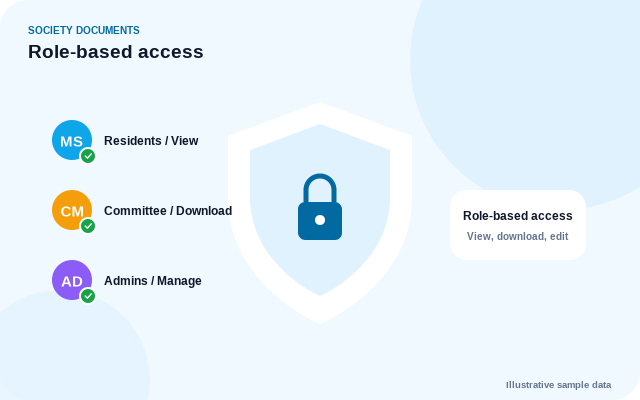
Make records available to authorized residents, committee members, and administrators according to their access permissions.
Use an existing category or create one with a clear name and description where authorized.
Set the title, publication date, and download setting, then check the attached document.
Make the record available to authorized users and keep titles, categories, and files up to date.
Document access and management actions are role-based. Download availability follows the document setting and the user's permissions.