The right update, in the right place

Communication Hub

Keep official announcements, community conversations, and notifications organized. Share targeted notices, manage chat groups, and let residents control their communication preferences.

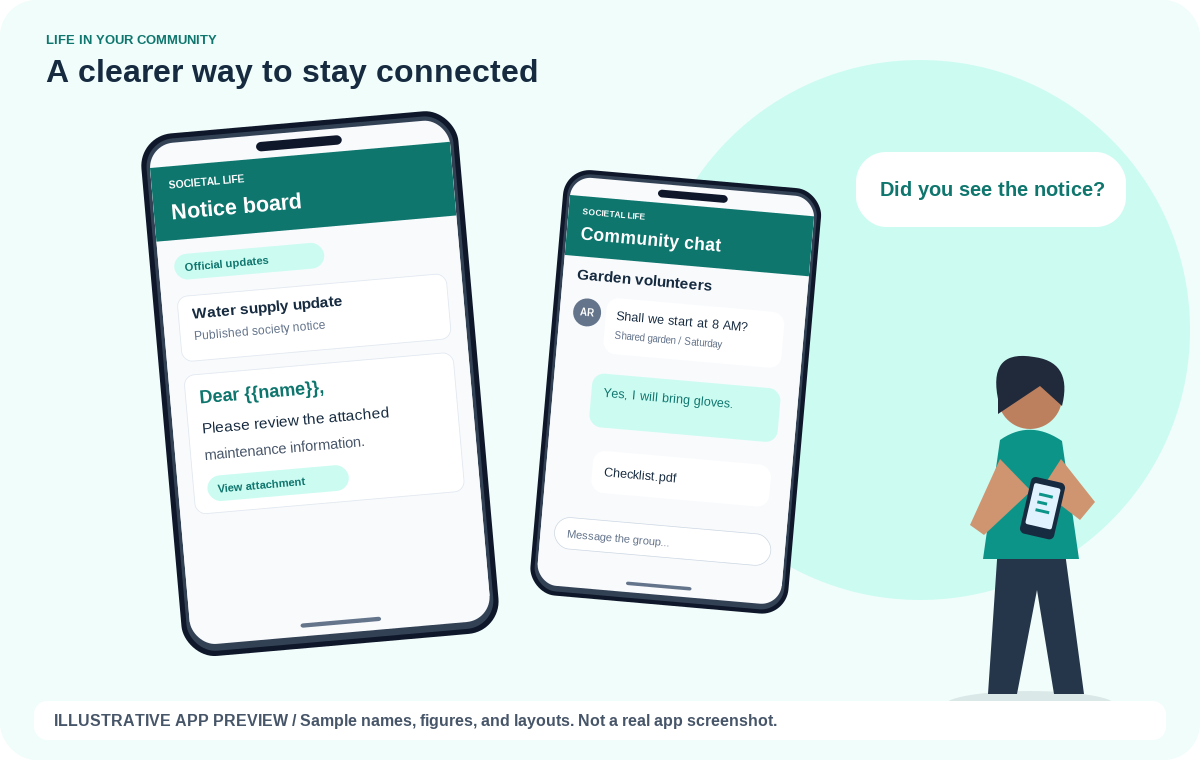
Communication Hub: people using feature-specific app-screen mockups.
Illustrative app preview with sample data. Not an actual app screenshot.
Designed around community life

From an official notice to a neighborhood conversation

Give residents a place to find announcements and follow discussions without relying on a single stream of messages.

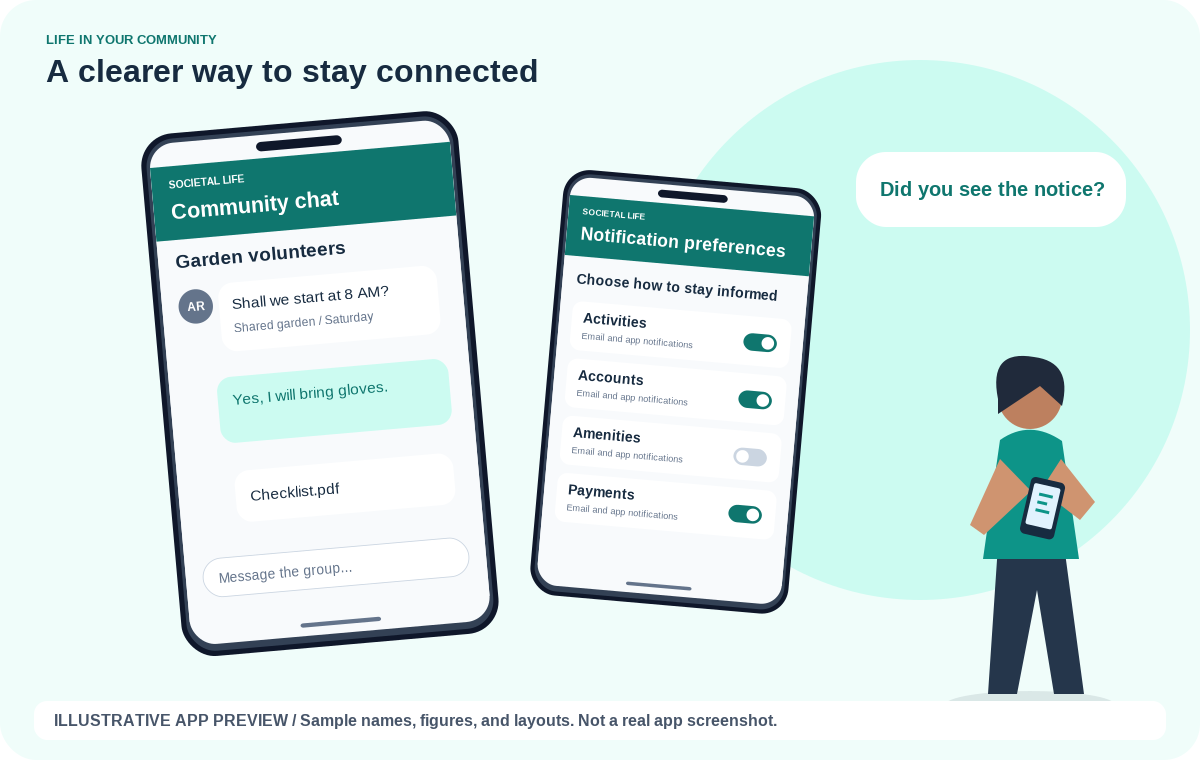
Communication Hub: people using illustrative app-screen previews with sample data.
Illustrative app preview with sample data. Not an actual app screenshot.
A closer look

Targeted noticeboards

Publish notices for the whole community or selected residents, flats, villas, blocks, or groups. Include a short description, publication date, amount where relevant, and supporting attachments.

Personalized, recurring notices

Use placeholders such as {{name}} and {{amount}} to tailor a notice to its recipients. Configure recurring notices for routine communications such as maintenance reminders.

Community chat groups

Create groups with a name, image, description, visibility settings, and rules. Members can exchange messages and share images, documents, videos, and other files.

Group membership controls

Authorized group managers can add or remove members, manage pending join requests, and update group details. Members can search messages, mute group notifications, or leave a group.
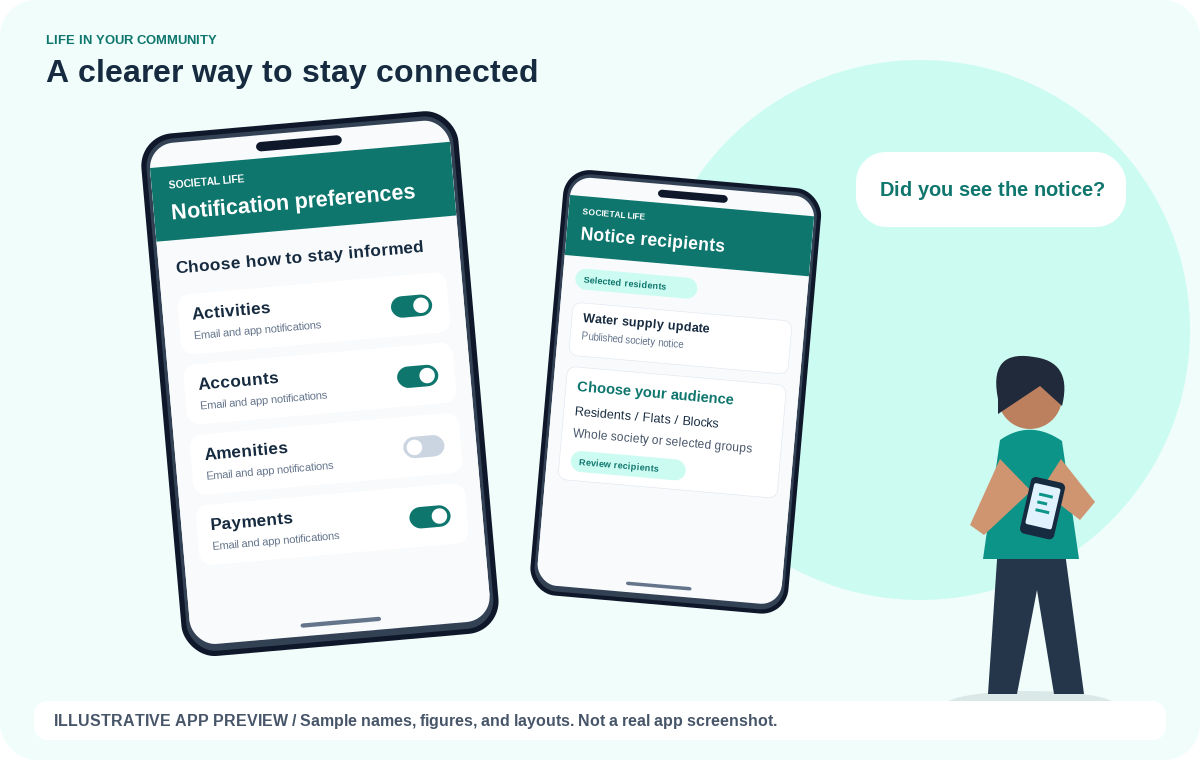
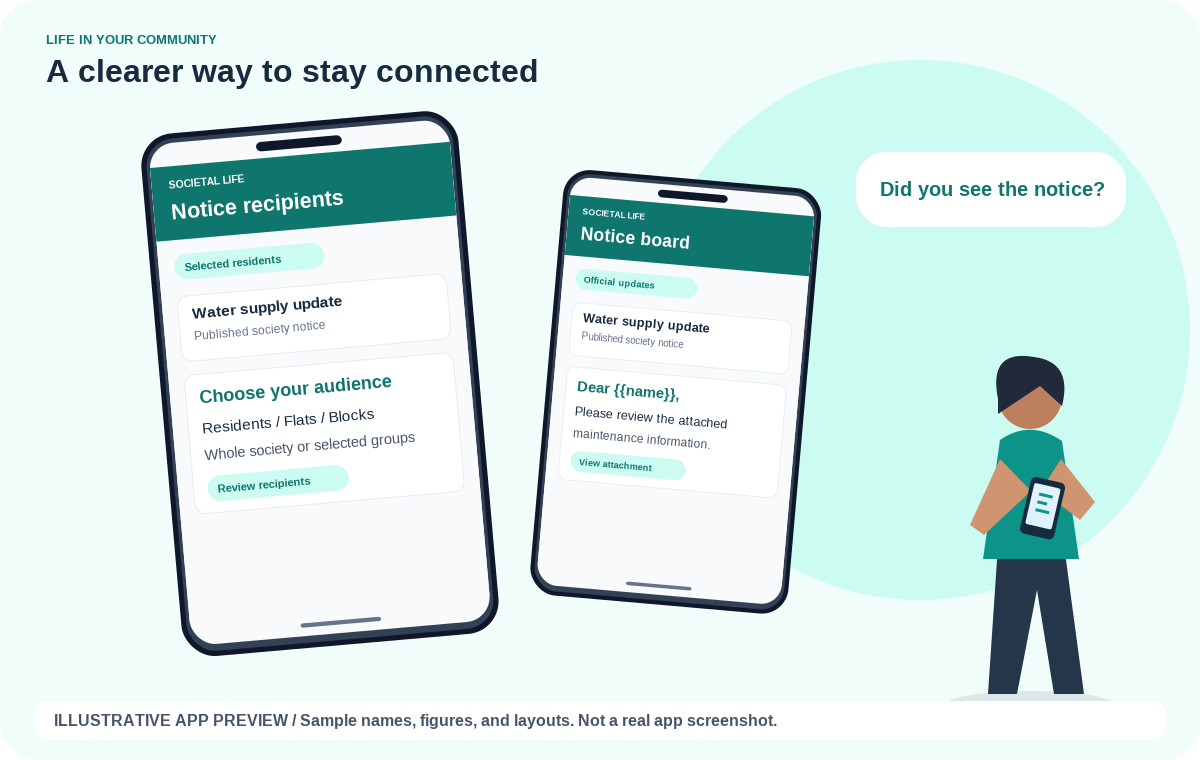
Communication Hub: people using illustrative app-screen previews with sample data.
Illustrative app preview with sample data. Not an actual app screenshot.
A closer look

An organized notification list

Review alerts for notices, visitor requests, payments, meetings, events, amenities, and activities. Open details, search or filter the list, and manage read status.

Email and notification preferences

Enable or disable email and app notifications for individual modules. Group-specific mute settings give residents another way to manage conversations.

Contact sharing by approval

Residents can manage requests to share their phone number or email address. Contact requests can be Pending, Approved, or Rejected.

Explore resident profiles →

SOS incident updates

Send an emergency message with an image, then review the incident status, assigned responder, and update timeline in the app.

Explore SOS alerts →
Communication Hub: people using illustrative app-screen previews with sample data.
Illustrative app preview with sample data. Not an actual app screenshot.
A closer look

Community FAQs

Browse categorized answers to common society questions, search by keyword, explore related questions, and mark an answer as helpful. Authorized users can maintain questions and categories.

How it works in the app

  1. 01

    Choose the audience

    Use a notice for official information or a chat group for an ongoing discussion. Select the intended recipients or members.

  2. 02

    Add the context

    Include a clear message, relevant files, and the details residents need to understand the update.

  3. 03

    Stay in control

    Find previous notices and messages through search, manage notification preferences, and review contact-sharing requests.

The bigger picture

Connected tools. Clearer next steps.

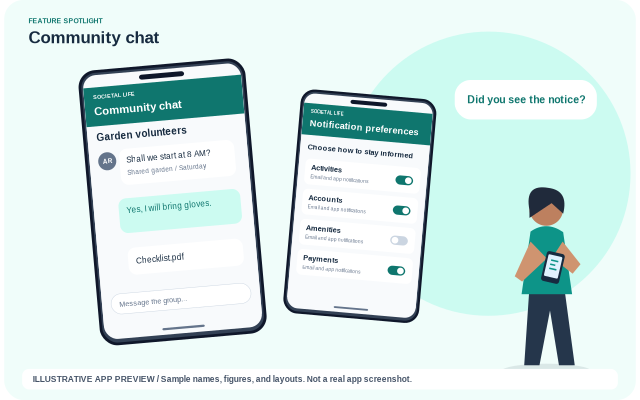
Community group conversations: illustrative app screens with people using the app.
Community group conversations. Illustrative preview, not an actual screenshot.
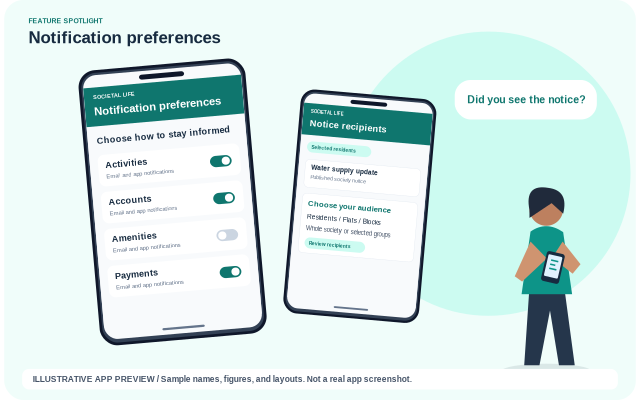
Notification preferences: illustrative app screens with people using the app.
Notification preferences. Illustrative preview, not an actual screenshot.

Access and availability

Notice publishing and group administration require the appropriate permissions. A resident's contact-sharing choices should be respected when connecting with neighbors.

See Communication Hub in action

Explore the resident and management workflows with a community specialist. Available actions depend on your role and society settings.

Contact Us