Keep community memories close

Community Gallery

Create and share photo albums from celebrations, sports, meetings, and community milestones. Give eligible residents a place to browse and revisit society moments.

A photo album for the moments you share

Preserve a garden renewal, festival, children's activity, or other community occasion in a resident-accessible collection.

Explore the possibilities

Browse published albums

View albums with their title, publication date, and cover image so residents can find and revisit community occasions.
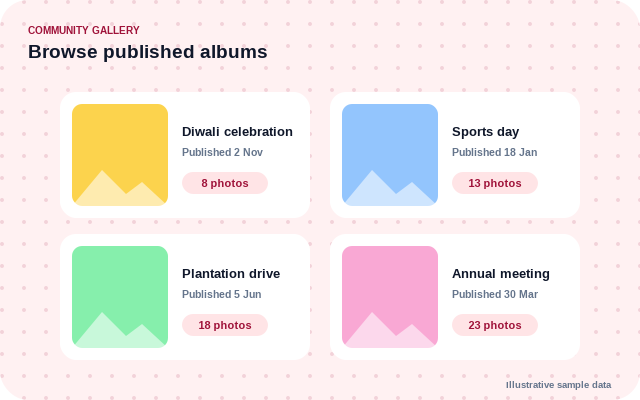

Browse published albums diagram: illustrative photo album list with sample data.
Illustrated workflow · Community photo albums · sample data, not an app screenshot
Explore the possibilities

Create a photo collection

Authorized users can give an album a title and upload one or more photos from their device.
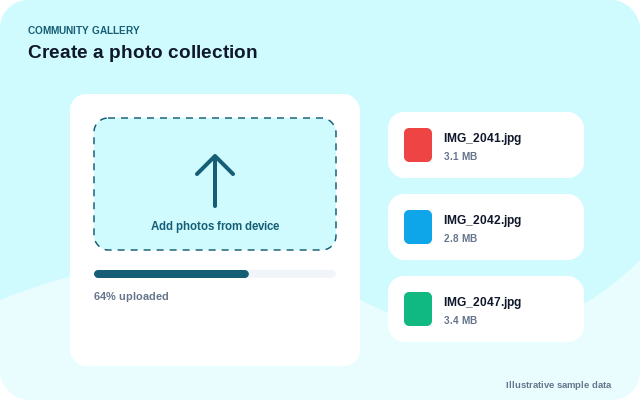
Create a photo collection diagram: illustrative file upload screen with sample data.
Illustrated workflow · Community photo albums · sample data, not an app screenshot
Explore the possibilities

Review before publishing

Check the album details and selected images, and update them before making the album available to residents.
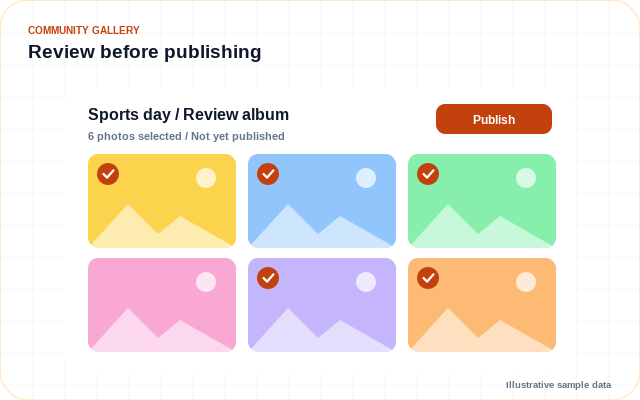
Review before publishing diagram: illustrative photo selection with sample data.
Illustrated workflow · Community photo albums · sample data, not an app screenshot
Explore the possibilities

Access for eligible residents

Published albums are available according to access permissions, helping keep community photos within the intended audience.
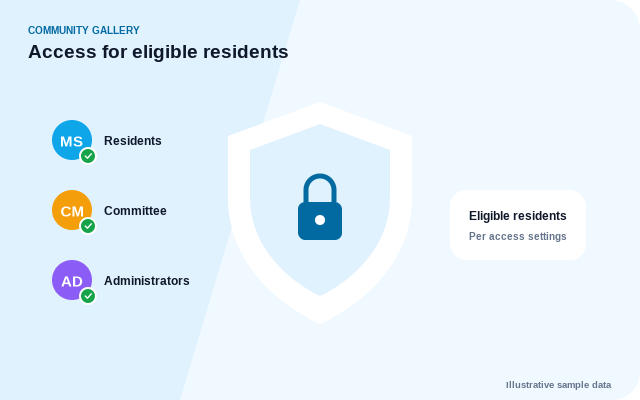
Access for eligible residents diagram: illustrative access permissions shield with sample data.
Illustrated workflow · Community photo albums · sample data, not an app screenshot
Explore the possibilities

A record of community life

Use albums for festival celebrations, sports events, meetings, plantation drives, achievements, and other society occasions.
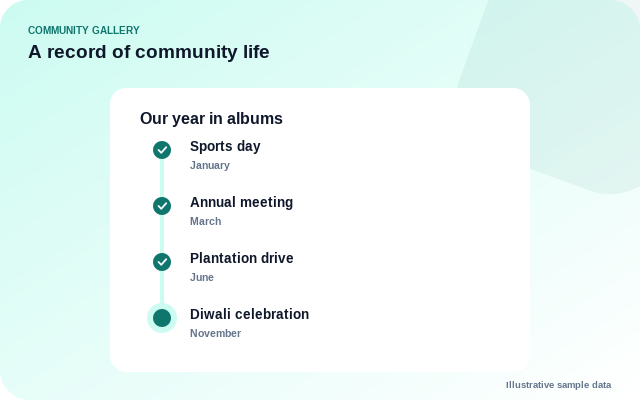
A record of community life diagram: illustrative status timeline with sample data.
Illustrated workflow · Community photo albums · sample data, not an app screenshot
Explore the possibilities

Stay connected to shared moments

Let residents revisit activities they attended and see photos from community occasions they could not join.
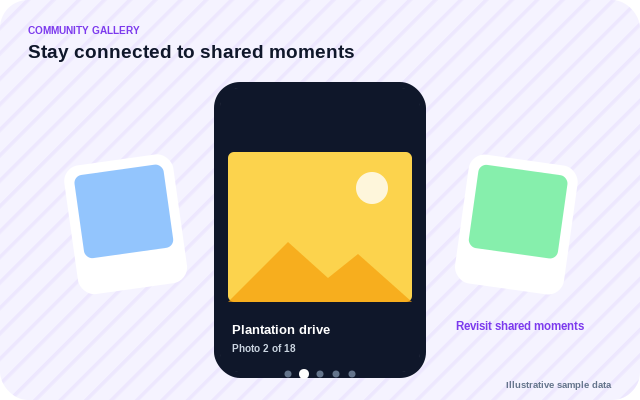
Stay connected to shared moments diagram: illustrative photo viewer with sample data.
Illustrated workflow · Community photo albums · sample data, not an app screenshot

How it works in the app

Explore the possibilities

Step 1: Choose the occasion

Gather photos from a community event or milestone and choose a clear album title.
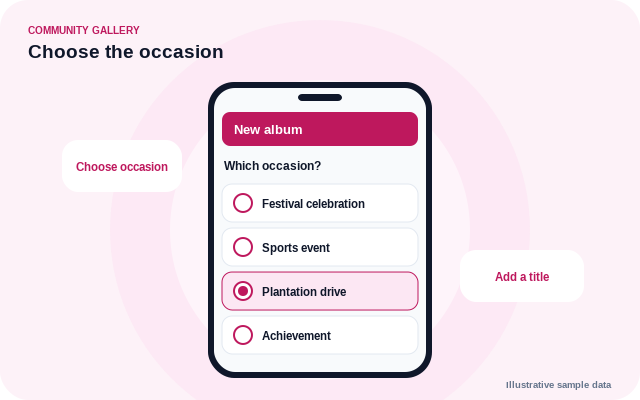
Step 1: Choose the occasion diagram: illustrative options screen with sample data.
Illustrated workflow · Community photo albums · sample data, not an app screenshot
Explore the possibilities

Step 2: Upload and review

Select the photos, check the album details, and update anything that needs correction.
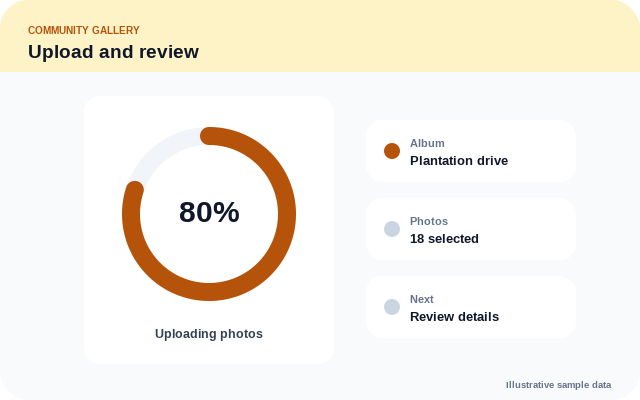
Step 2: Upload and review diagram: illustrative progress ring with sample data.
Illustrated workflow · Community photo albums · sample data, not an app screenshot
Explore the possibilities

Step 3: Publish for residents

Make the album available to eligible residents through the Gallery.
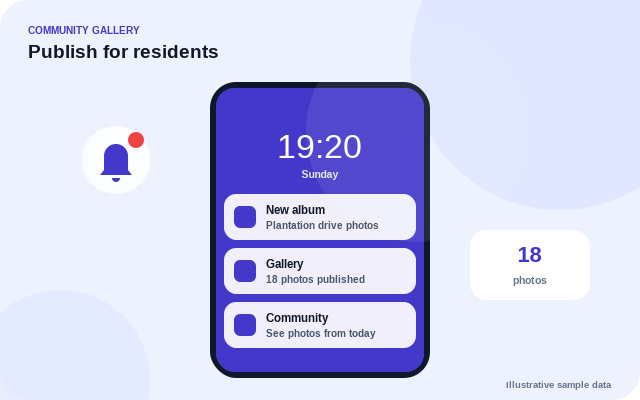
Step 3: Publish for residents diagram: illustrative notification screen with sample data.
Illustrated workflow · Community photo albums · sample data, not an app screenshot

Access and availability

Album creation and publishing are for authorized users. Residents can view published albums available to their role; obtain appropriate consent before sharing photos of other people.