Explore the possibilities
A clearly defined poll
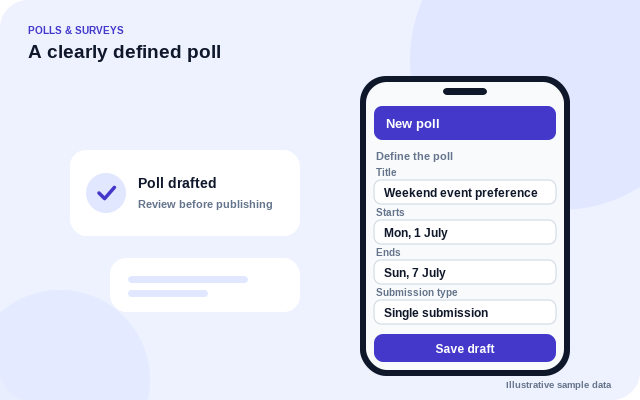
Add a title, short description, start and end dates, and submission type. Review the details before saving a draft or publishing the poll.

Collect opinions on community proposals, facilities, and events using time-bound polls. Ask one or more questions and configure when residents can see the results.
Use structured questions and an explicit voting period to gather feedback that is easier to review.
Add a title, short description, start and end dates, and submission type. Review the details before saving a draft or publishing the poll.
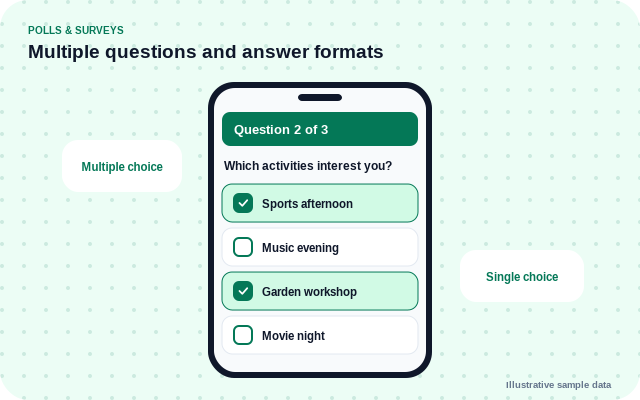
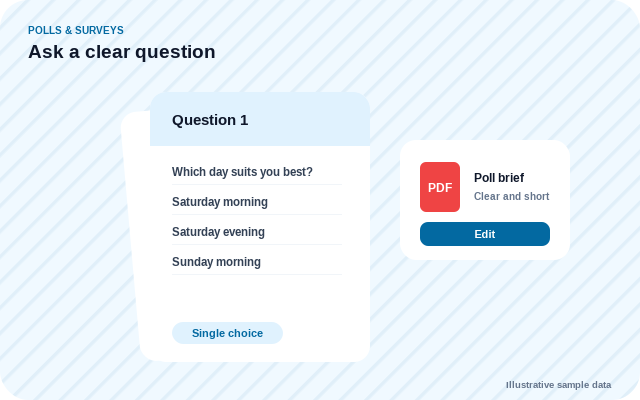
Create one or more questions with the available response formats, including single-choice and multiple-choice answers. Set the answer options for each question.
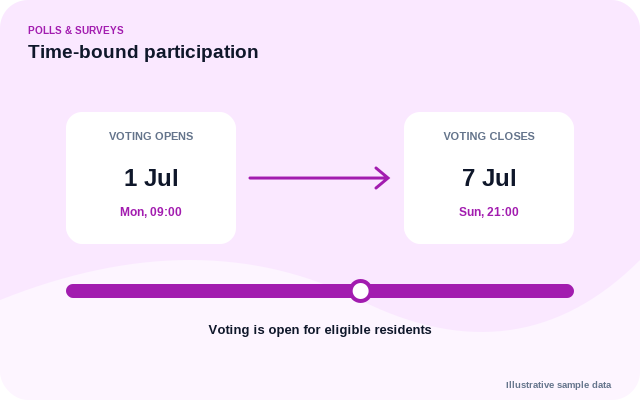
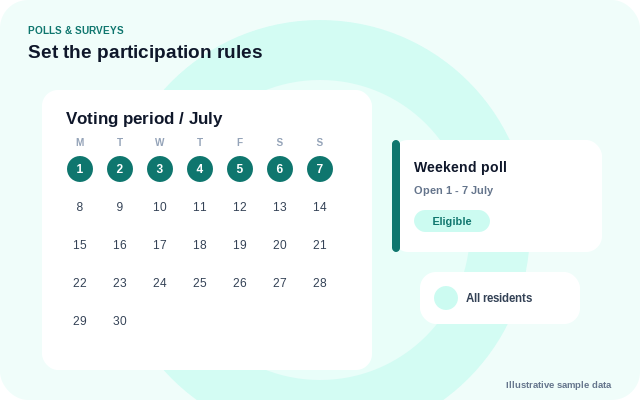
Eligible residents can submit their answers during the voting period. The poll list shows key details including dates, description, and current status.
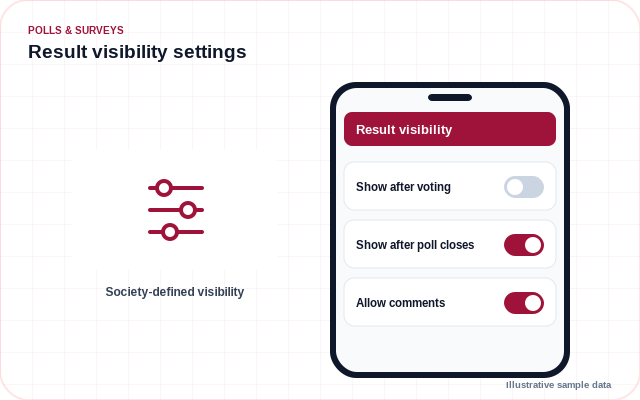
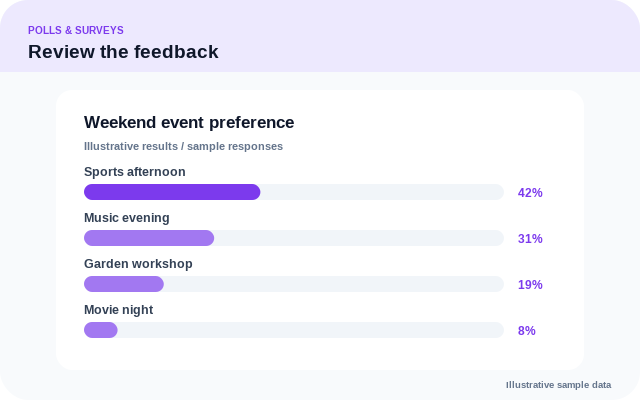
Configure results to appear immediately after voting or only after the poll has closed, according to the society's requirements.
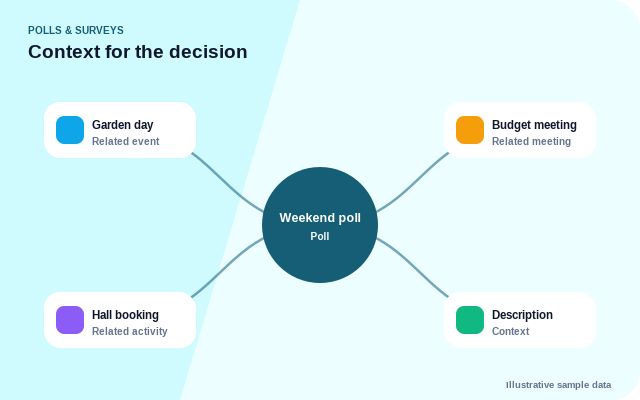
Review the description, response options, and related activities, events, or meetings where they are associated with the poll.
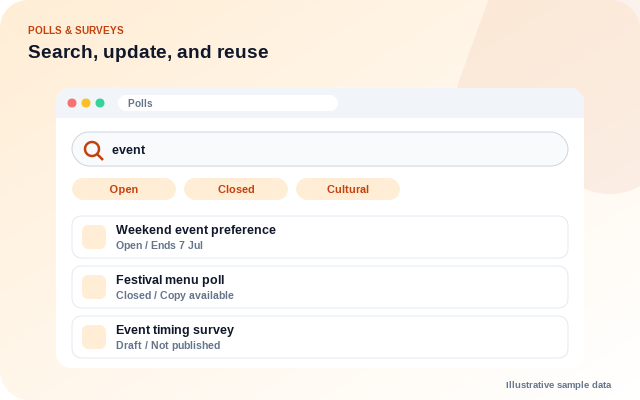
Find polls using available date, category, status, or keyword filters. Authorized users can edit, copy, publish, or delete polls to manage recurring surveys.
Define the purpose, add questions and options, and choose the start and end of the voting period.
Review the submission type and result visibility settings before publishing.
Use the available results to inform community discussions and share next steps through notices or meetings.
Participation is for eligible residents during the active voting period. Poll creation and management require the relevant permissions; settings determine submission behavior and result visibility.