Detailed activity records
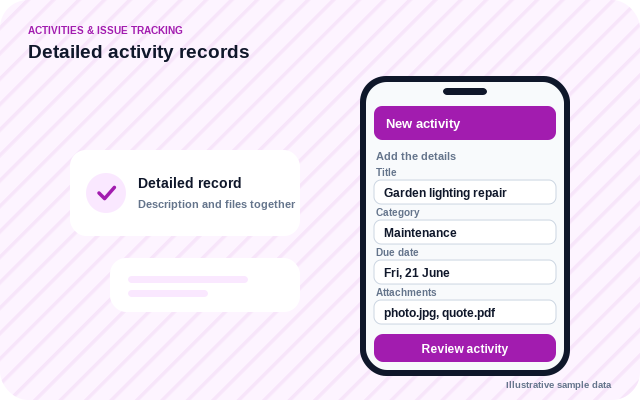
Add a title, category, short description, full description, due date, and attachments. Review the details before saving a draft or publishing the activity.
Plan, assign, and follow maintenance requests, security concerns, housekeeping, administrative work, and community initiatives from creation to completion.
Bring the task description, responsibility, priority, deadline, and history into a single activity record.
Add a title, category, short description, full description, due date, and attachments. Review the details before saving a draft or publishing the activity.
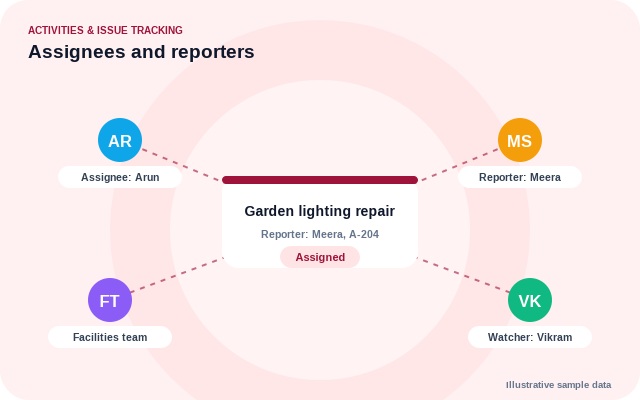
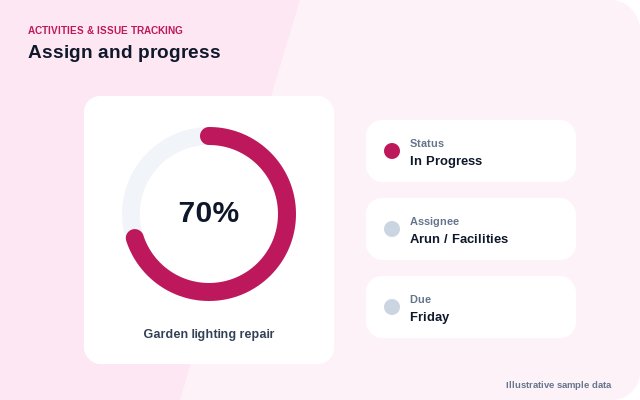
Identify the person or team responsible for the work and the reporter associated with the activity. Authorized users can assign and update responsibility.
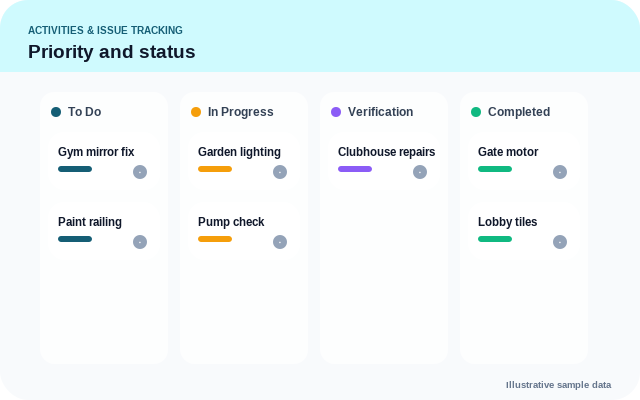
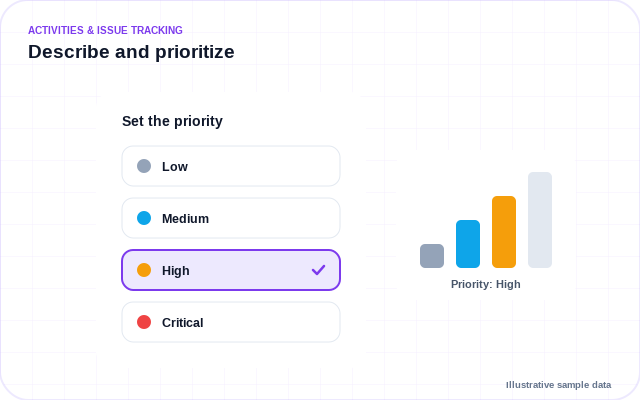
Use Low, Medium, High, or Critical priority. Follow stages such as To Do, In Progress, Verification, and Completed to make the state of work visible.
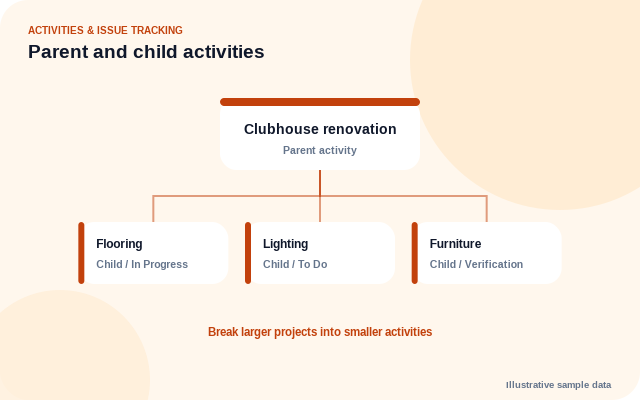
Break complex projects into smaller activities and maintain their parent-child relationships. Use categories and labels to organize related work.
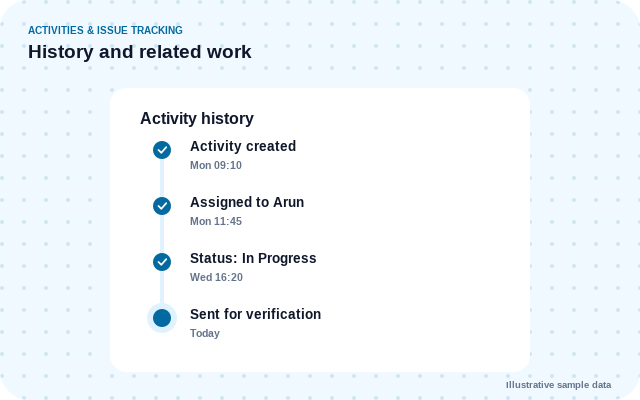
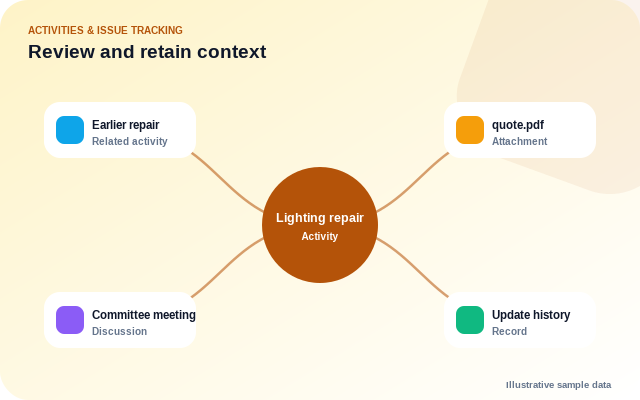
Review activity history and updates. Related activities from the same society help users find previous or similar work with related titles, descriptions, or topics.
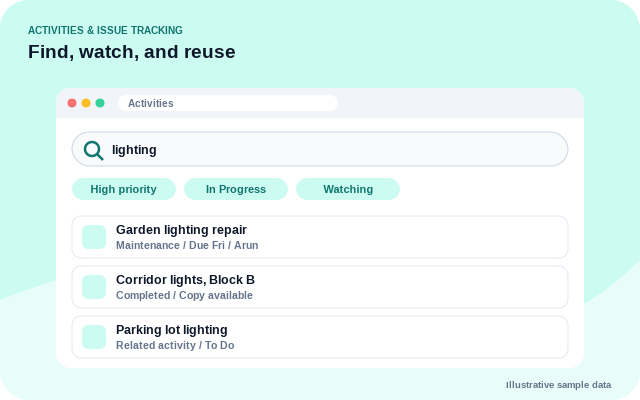
Search and filter by status, priority, assignee, labels, dates, and keywords. Mark favourites, watch updates, share details, or copy an existing activity where permitted.
Create an activity with the issue or task, relevant attachments, a category, and an appropriate priority.
Set the responsible user and due date, then update the status as the work moves through its stages.
Check the activity history, review work in Verification, and keep related tasks connected for future reference.
Residents, committee members, management staff, and employees have different actions according to their roles. Creating, assigning, editing, publishing, sharing, copying, closing, or deleting activities requires the appropriate permissions.