Explore the possibilities
Checklist groups and items
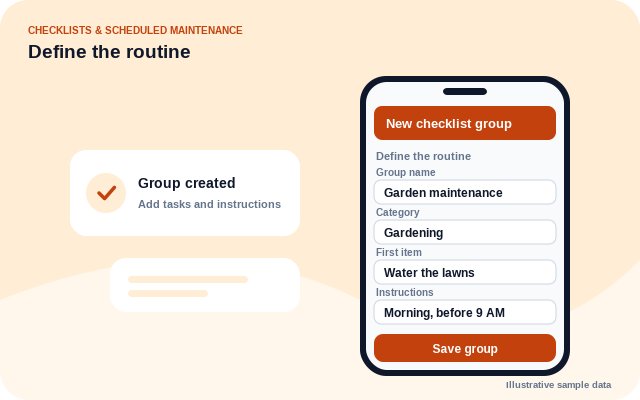
Create groups for different maintenance or cleaning responsibilities, then add the specific tasks and instructions within each group.
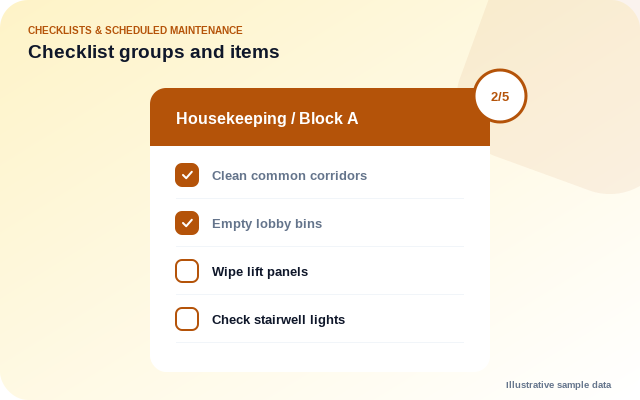

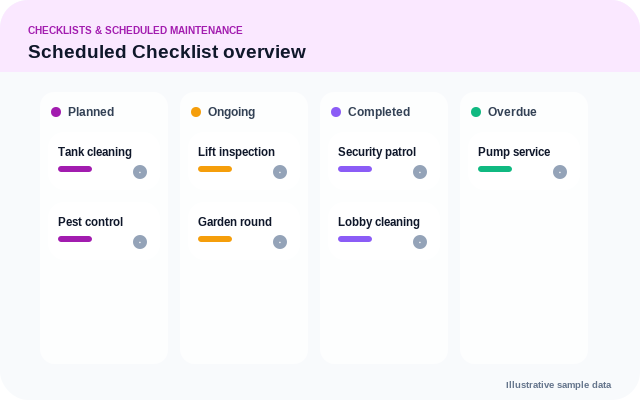
Organize routine cleaning, inspections, and maintenance into checklist groups. Set recurring schedules, assign responsibility, and monitor completion from the Scheduled Checklist view.
Keep housekeeping, security patrols, lift maintenance, water tank cleaning, gardening, and other routine responsibilities organized by category and schedule.
Create groups for different maintenance or cleaning responsibilities, then add the specific tasks and instructions within each group.
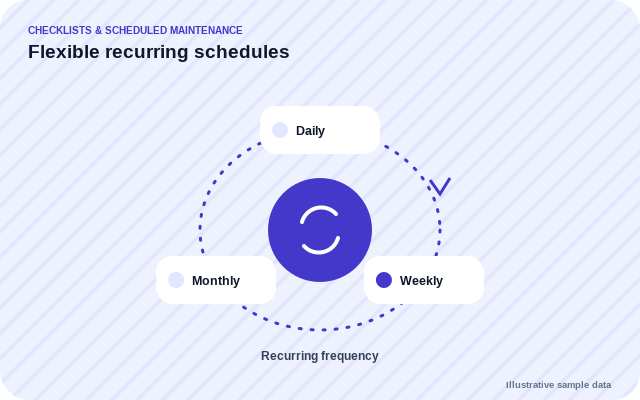
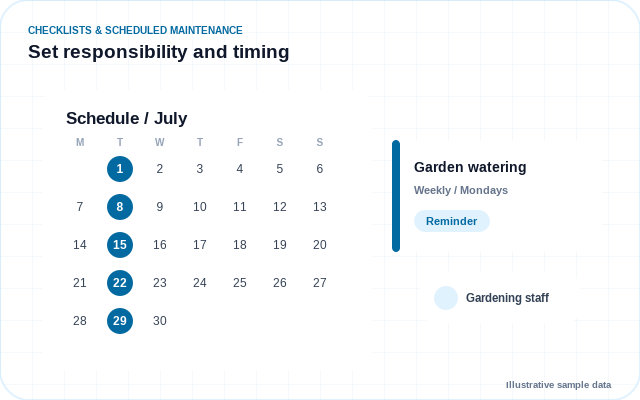
Set a start date and recurring frequency, such as daily, weekly, or monthly. Define due dates and reminder settings for each checklist item.
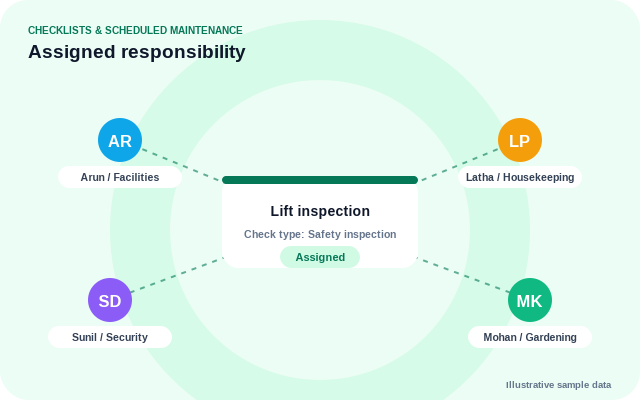
Assign an employee or responsible user and include the check or inspection type. Staff can update the tasks assigned to them where their permissions allow.
Review checklist names, assigned users, scheduled dates, priorities, due dates, and completion status. Identify planned, ongoing, completed, or overdue work.
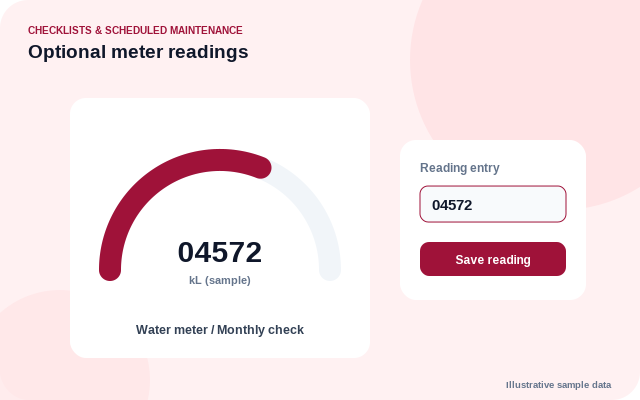
Configure meter reading inputs where the checklist item requires them, alongside the relevant inspection or maintenance details.
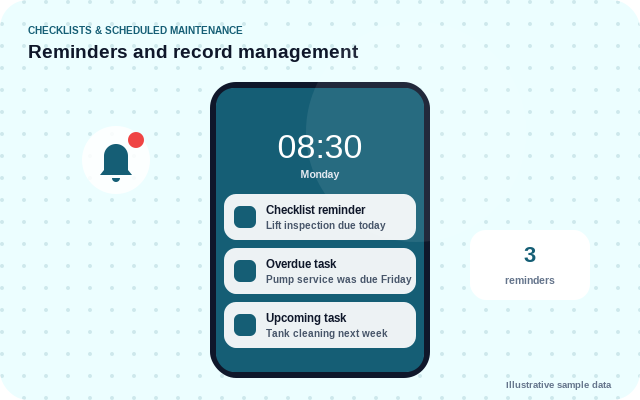
Receive reminders for upcoming or overdue tasks. Search, filter, sort, edit, and mark tasks complete, or remove outdated items with the appropriate permissions.
Create a checklist group, add its tasks, and describe what needs to be checked or maintained.
Choose the schedule, due date, reminder settings, and employee or user responsible for the item.
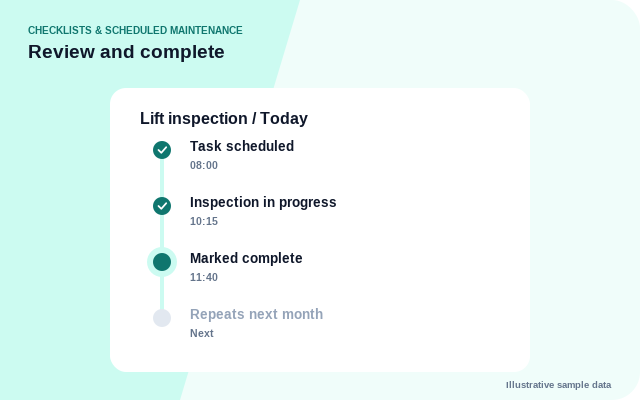
Use the scheduled view to find the work, update its status, and record completion after the task has been carried out.
Creating, modifying, assigning, or deleting checklists requires the relevant permissions. Checklist reminders support the society's maintenance process and do not replace inspection or safety responsibilities.