Clear requests for community collections

Payment Requirements & Contributions

Create payment requests for maintenance, corpus contributions, events, amenities, utilities, and other society charges. Define who should pay, how much is due, and when.

Give residents the details behind each payment

Keep the purpose, amount, due date, recipient group, and payment rules together in a structured request.

Explore the possibilities

Describe the requirement

Set the payment category, name, short description, detailed description, and instructions so residents understand the purpose of the collection.
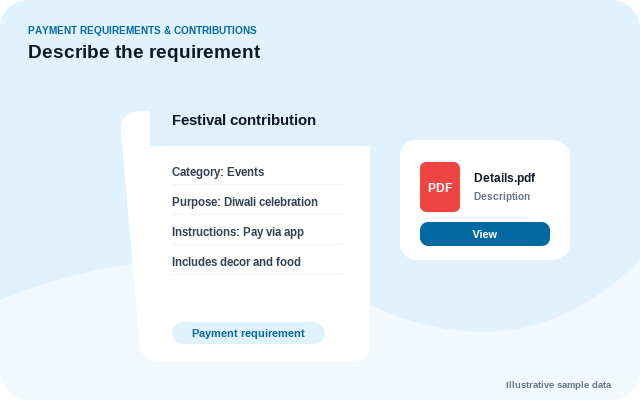

Describe the requirement diagram: illustrative document preview with sample data.
Illustrated workflow · Payment requirements · sample data, not an app screenshot
Explore the possibilities

Select the applicable residents

Target the whole community or specific residents using criteria such as flats or villas, unit type or size, age groups, blocks, or towers.
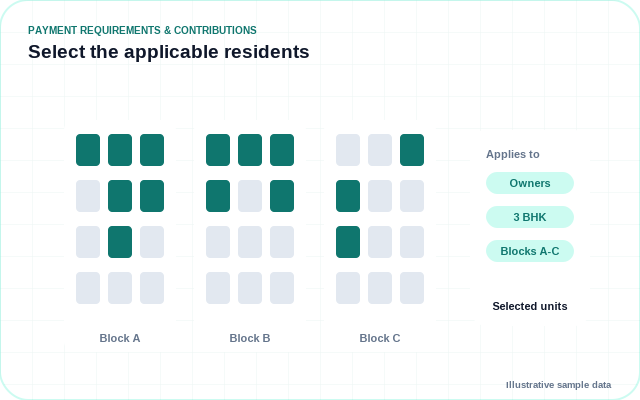
Select the applicable residents diagram: illustrative selected flats and villas with sample data.
Illustrated workflow · Payment requirements · sample data, not an app screenshot
Explore the possibilities

Set the amount and due date

Define the payable amount, minimum payable amount, and due date. Configure optional late payment penalties according to the society's rules.
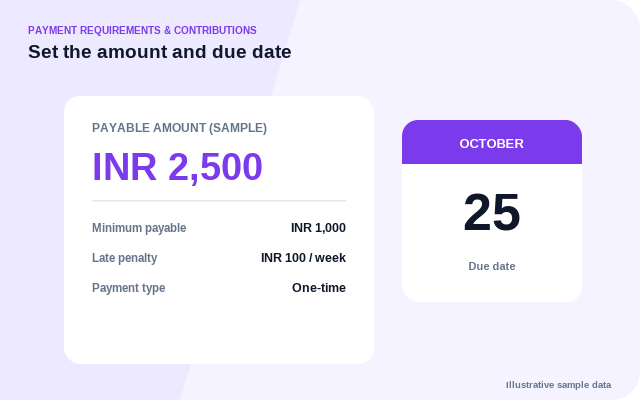
Set the amount and due date diagram: illustrative amount and due date card with sample data.
Illustrated workflow · Payment requirements · sample data, not an app screenshot
Explore the possibilities

Flexible contribution rules

Allow payments greater than the required amount where appropriate and configure the available payment rules for the requirement.
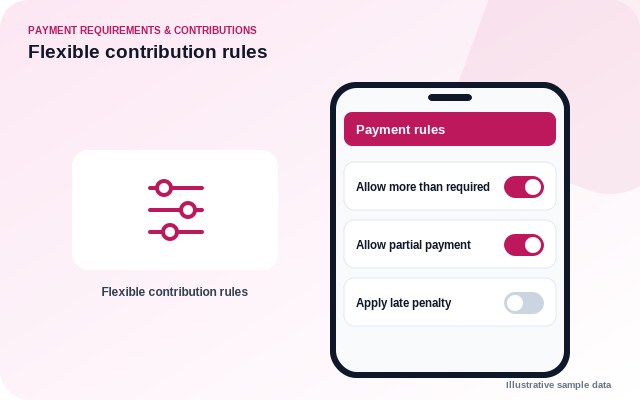
Flexible contribution rules diagram: illustrative settings screen with sample data.
Illustrated workflow · Payment requirements · sample data, not an app screenshot
Explore the possibilities

Link the community context

Associate a requirement with a related activity, event, meeting, or other society record where applicable, so the reason for the collection stays clear.
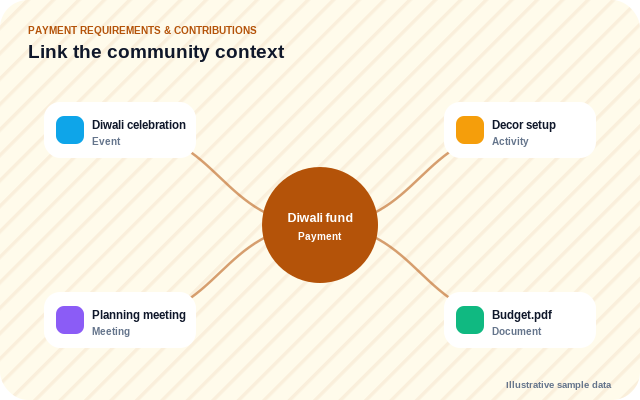
Link the community context diagram: illustrative linked records map with sample data.
Illustrated workflow · Payment requirements · sample data, not an app screenshot
Explore the possibilities

Find and manage requirements

Search, sort, or filter by payment name, category, due date, payment type, or other available criteria. Review the amount, applicable residents, and current status.
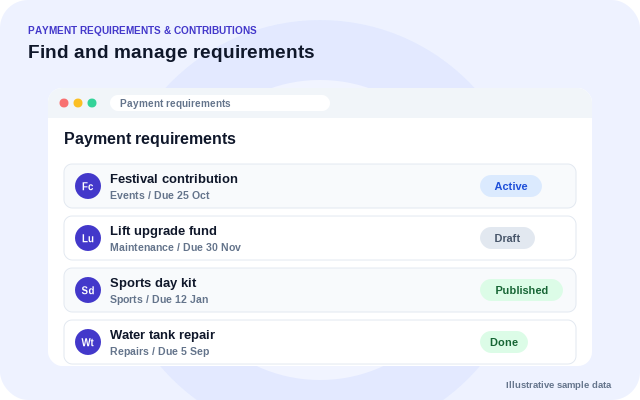
Find and manage requirements diagram: illustrative record list with sample data.
Illustrated workflow · Payment requirements · sample data, not an app screenshot

How it works in the app

Explore the possibilities

Step 1: Define the purpose

Choose a category and describe the maintenance, event, amenity, corpus, or other collection.
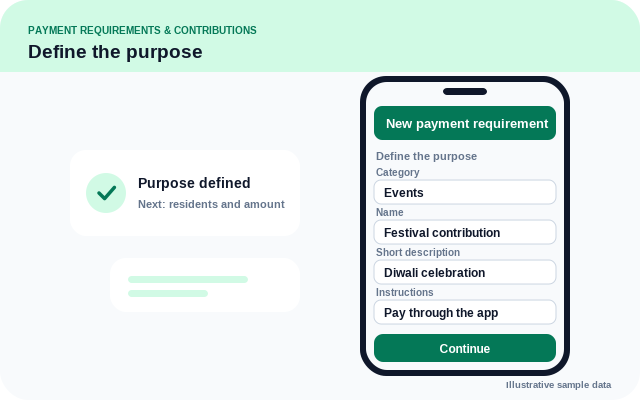
Step 1: Define the purpose diagram: illustrative app form with sample data.
Illustrated workflow · Payment requirements · sample data, not an app screenshot
Explore the possibilities

Step 2: Review the rules

Select recipients, set the amount and due date, and check any minimum, overpayment, or penalty settings.
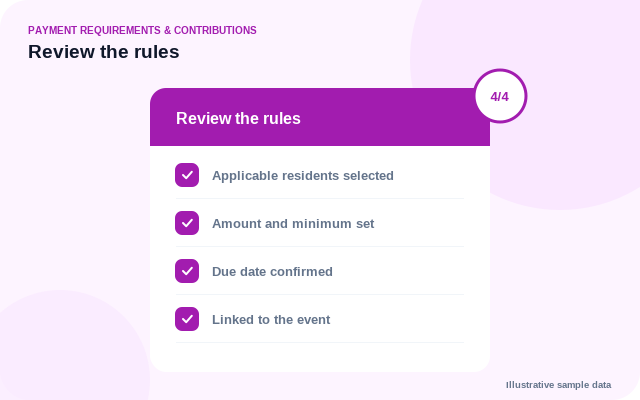
Step 2: Review the rules diagram: illustrative checklist card with sample data.
Illustrated workflow · Payment requirements · sample data, not an app screenshot
Explore the possibilities

Step 3: Publish and review

Make the request available to the applicable residents and use the accounting tools to review related financial records.
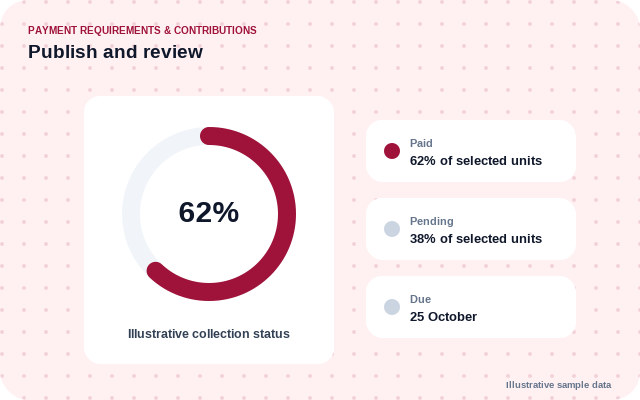
Step 3: Publish and review diagram: illustrative progress ring with sample data.
Illustrated workflow · Payment requirements · sample data, not an app screenshot

Access and availability

Authorized users can create, edit, publish, or delete requirements. Residents can view requests applicable to them and make payments using the options available in the app; payment rules depend on society configuration.